Five Product Hunt tools for email, app building and automation
Scape and Empacer both offer to do some typing for you. Which one makes sense depends on where the work starts. Scape already has the email you need to answer. With Empacer, you can say “draft me three Instagram posts” while the idea is still fresh.
I picked these five from the Product Hunt leaderboard for 29 October 2026. They’re in the order they appeared on that day’s leaderboard. The stills below come from the product illustrations in my video. See the daily leaderboard.
1. Empacer turns a spoken brief into a draft
If you’re a small business owner who can explain a job faster than you can write a brief, this is the one I’d look at first. In the example, the owner asks for three Instagram posts out loud. Empacer uses the business details it already has and puts the drafts in front of the owner to edit or approve. Visit Empacer.
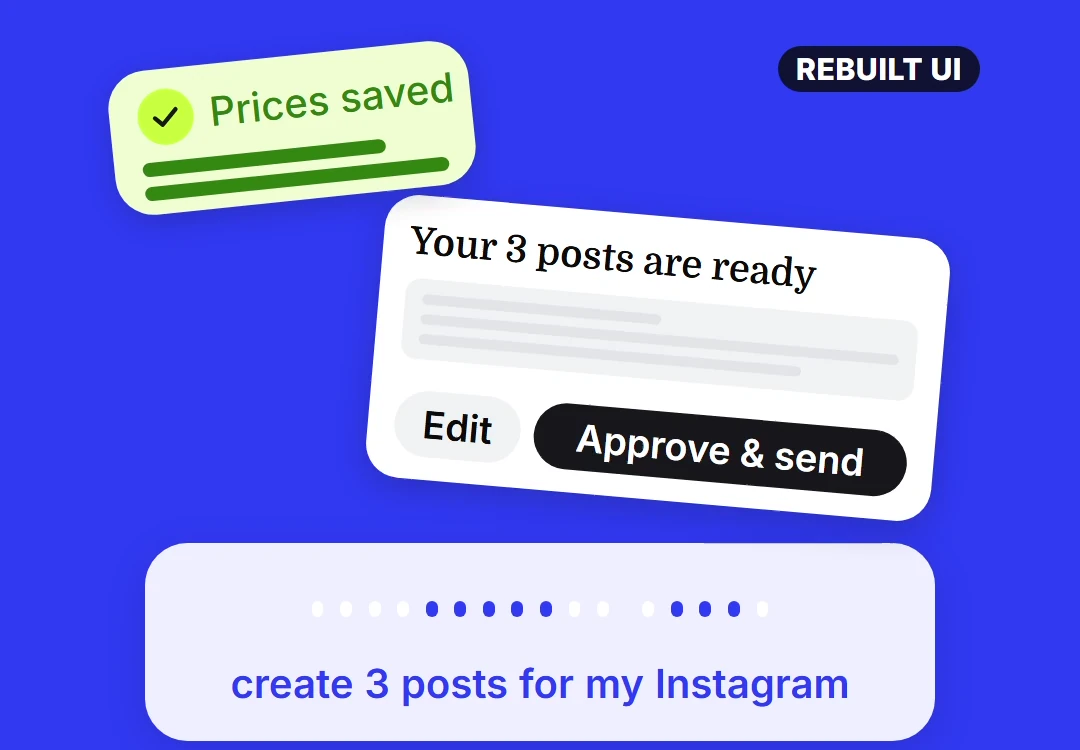
The spoken request and the approval step fit on the same screen.
2. Scape gets a reply ready before you open the thread
Scape is a desktop email client. Its Important view surfaces messages that need attention, and it can use the thread and attachments to prepare a reply for you to review. The interesting detail in the example is the PDF. An answer to a pricing question is more useful if the updated proposal is there with it. Visit Scape.
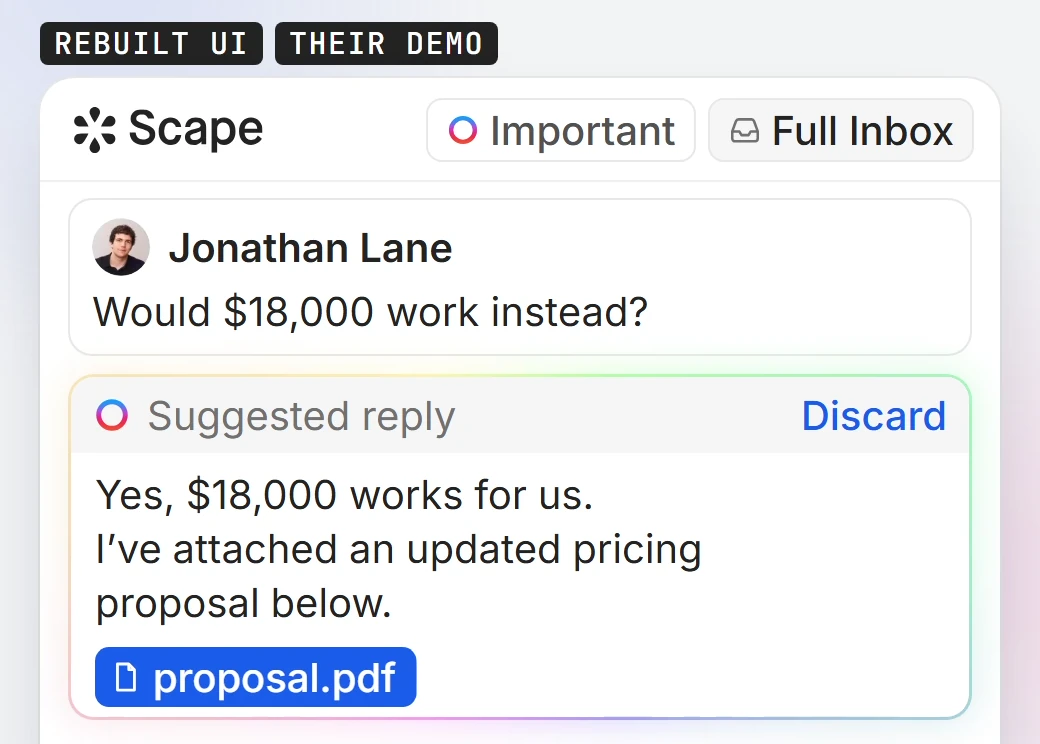
A suggested reply to a pricing question includes the proposal and a Discard option.
3. Floot builds and publishes an app inside ChatGPT
Floot is for the point where you want someone else to use what you’ve described in a chat. Connect Floot, describe the app and refine it in the conversation. The video uses a yoga studio booking page as its example. Once you’re happy with the page, you can publish it from the same chat and share its link. Visit Floot.
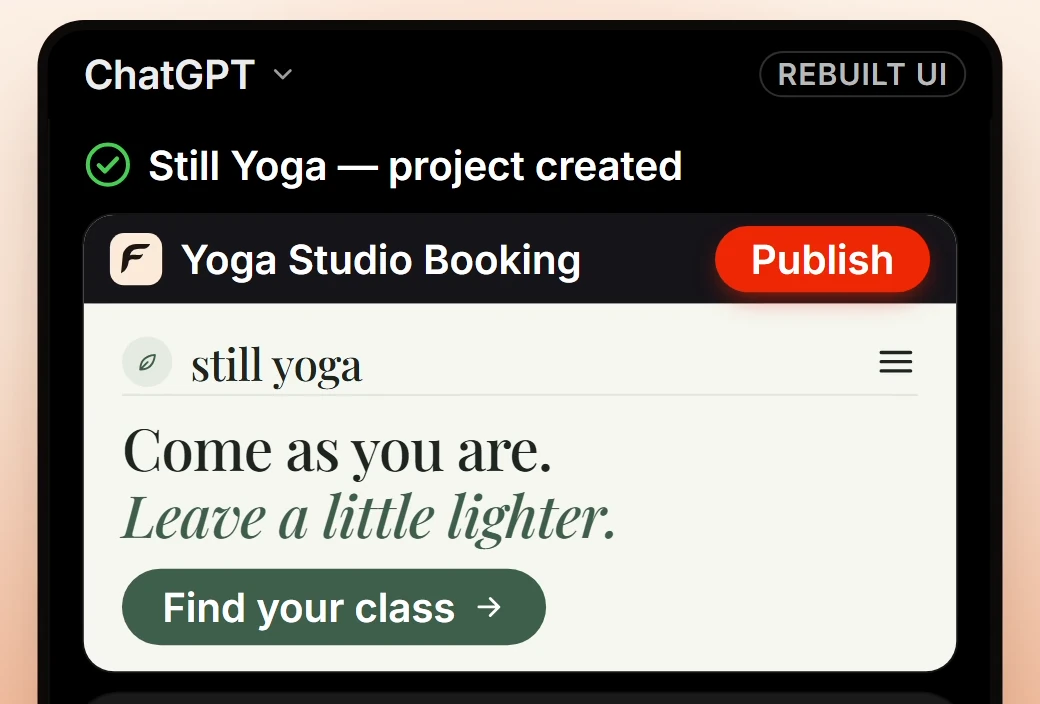
The studio page has its own booking button. The separate Publish button belongs to the person building it.
4. Notch Metrics puts your numbers in your MacBook notch
If the only reason you open a dashboard is to check today’s takings or subscriber count, Notch Metrics puts those figures at the top of your MacBook screen. Its dashboard can mix numbers from different sources, and you can use Claude Code to build a widget for a metric you want to track. Visit Notch Metrics.
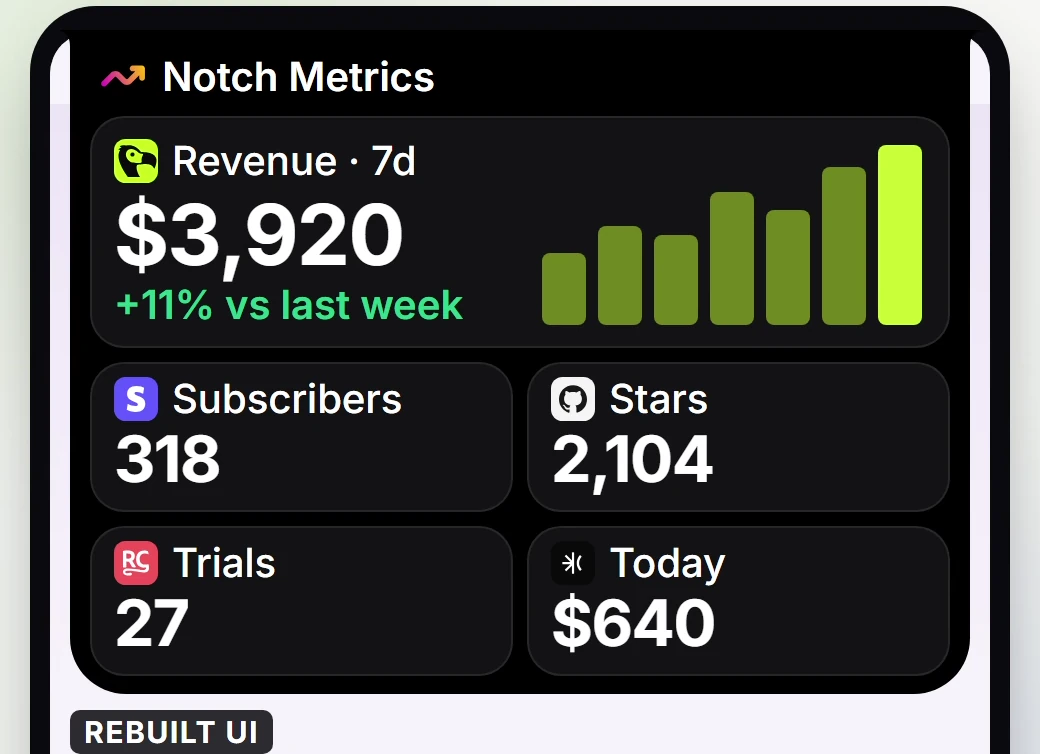
The expanded notch groups several metrics together. The figures shown are examples from the video.
5. GoLogin gives an AI agent its own cloud browser
Some tasks take place inside a signed-in website. GoLogin gives the agent a browser session with its own cookies, so it can return to the same account on a later run. The video illustrates one reason that matters. When the site asks for a two-factor code, a person can step into the session to complete that check. Visit GoLogin Cloud Browser.
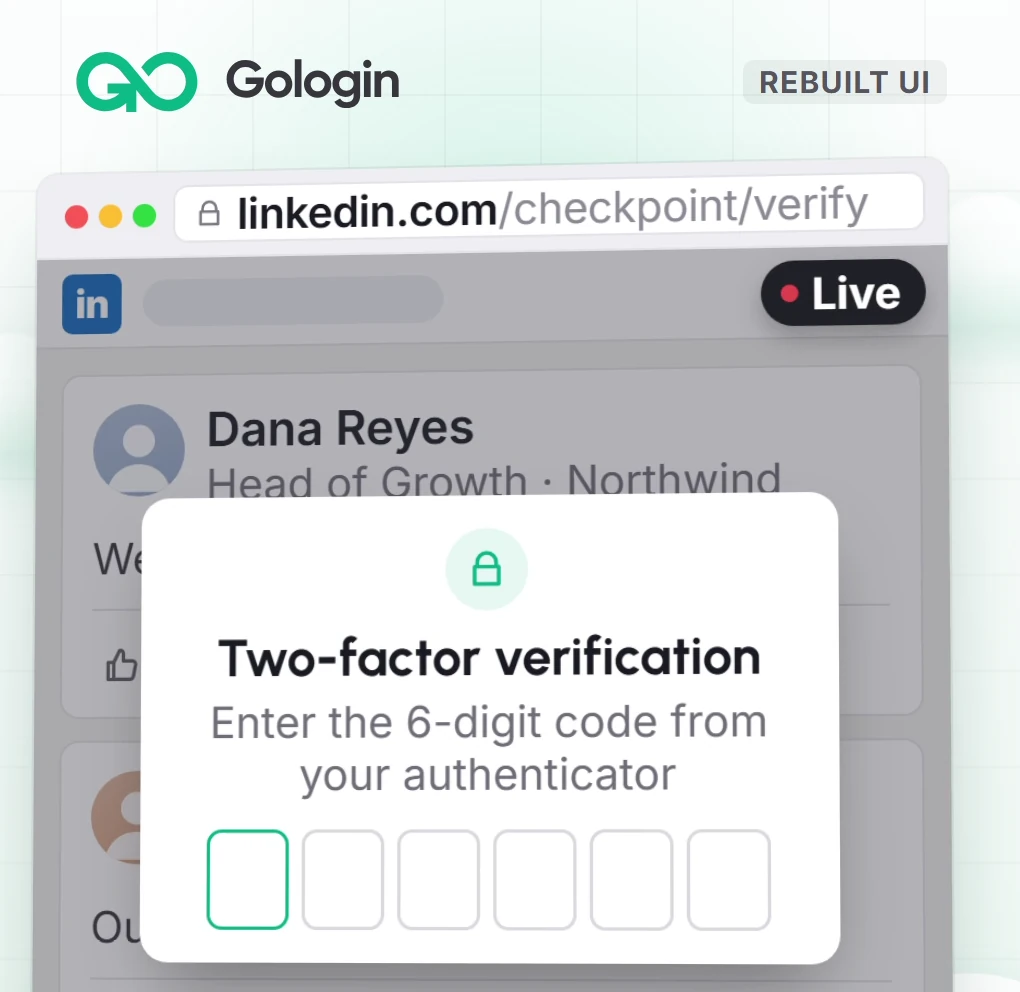
The sign-in checkpoint in the example is where the person using the agent takes over.