12 AI design tools You Should Know

The creative process is being fundamentally reshaped by a new generation of AI design tools. What once required hours of painstaking manual work, from concept ideation to asset creation, can now be accomplished in minutes. This shift is not about replacing human creativity; it is about augmenting it, freeing you from tedious tasks so you can focus on high-level strategy and execution. Whether you are a digital marketer needing quick social media assets, a web developer prototyping a user interface, or an e-commerce owner creating product mockups, the right AI tool can become an indispensable part of your workflow.
However, navigating the sheer volume of available platforms can be overwhelming. Which tools genuinely save time, and which are just novelties? How do you integrate them into an existing design process without causing disruption? This guide is designed to cut through the noise. I have spent extensive time testing and analysing the leading AI-powered design platforms to provide a practical, no-nonsense resource.
Inside this comprehensive list, you will find a detailed breakdown of each tool. I will cover core features, specific use cases, and realistic pros and cons based on hands-on experience. Each entry includes screenshots for a clear visual reference and direct links so you can start exploring immediately. My goal is to equip you with the insights needed to select the best AI design tools for your specific projects, budget, and skill level. Forget generic marketing copy; this is a practical guide to enhancing your creative output and efficiency. Let’s find the right platform for you.
1. Vectorizer.io – Vectorise Images Online
Vectorizer.io establishes itself as an indispensable utility in the modern designer’s toolkit, earning its place as our featured choice for its sheer precision and efficiency. This AI design tool tackles a common, yet critical, challenge: converting low-resolution raster images (like JPEGs and PNGs) into crisp, infinitely scalable vector graphics (SVGs). Its AI-driven engine analyses pixel data with remarkable accuracy, making it a standout solution for anyone needing to upgrade logos, icons, or illustrations for high-quality print or digital applications.
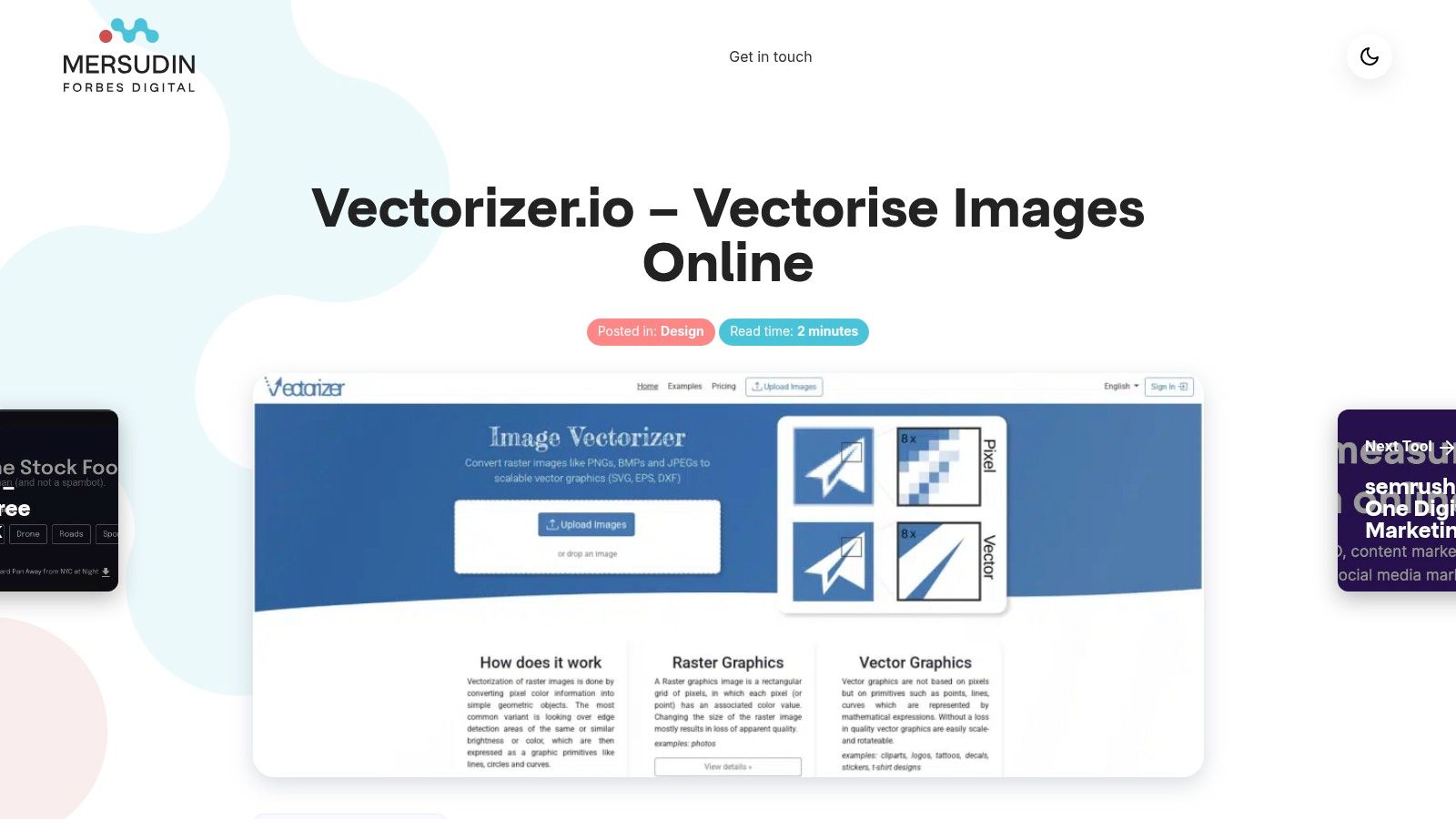
Unlike many vectorisers that require manual tweaking or produce clunky results, Vectorizer.io delivers clean lines and smooth curves with minimal user input. This makes it an exceptionally powerful tool for marketers needing to prepare a client’s blurry logo for a large-format banner, or for web developers who require lightweight, sharp SVGs for faster page load times. The platform’s commitment to a streamlined workflow is evident in its user-friendly, web-based interface, eliminating the need for expensive or complex desktop software.
Key Features & Use Cases
What truly sets this tool apart is its integration of multiple editing functions within one seamless process. This is not just a one-trick pony; it is a comprehensive image preparation platform.
- AI-Powered Vector Conversion: The core function uses sophisticated algorithms to trace raster images, intelligently creating paths and nodes. Practical Example: I often take a low-quality 72dpi JPEG of a logo sent by a client and run it through Vectorizer.io. In seconds, I have a print-ready vector file that can be scaled for anything from a business card to a billboard without any loss of quality.
- Integrated Background Removal: Before vectorising, you can remove the background with a single click. This is incredibly useful for isolating a subject, such as a product, and placing it on a new background or creating a transparent graphic for a website.
- Smart Colour Simplification: This feature is a game-changer for branding and print design. It allows you to reduce the number of colours in an image, which is essential for certain printing methods like screen printing or for creating a more cohesive brand palette. It helps ensure brand consistency and can significantly reduce production costs.
Practical Assessment
The platform’s accessibility is a major advantage; being entirely browser-based means you can use it on any device with an internet connection. While it excels with clear graphics and logos, it is important to note its limitations. Extremely complex photographic images with subtle gradients and intricate textures may not convert as flawlessly. For those specific tasks, manual tracing in a dedicated programme like Adobe Illustrator might still be necessary. However, for 95% of common vectorisation needs, Vectorizer.io performs brilliantly. For those looking to manage image dimensions for web use, you might also find tools that handle resizing particularly useful. You can explore a related tool for resizing images to standard social media dimensions.
Website: Vectorizer.io – Vectorise Images Online
2. Adobe Creative Cloud + Firefly
Adobe has masterfully integrated its Firefly generative AI directly into the industry-standard applications creatives use daily. This is not a separate tool but a powerful enhancement within Photoshop, Illustrator, and Adobe Express, making it one of the most cohesive ai design tools for professional workflows. The integration feels seamless, allowing you to use features like Generative Fill in Photoshop to expand images or add objects with a simple text prompt, without ever leaving your project file.
The key advantage is workflow continuity. Rather than generating an asset elsewhere and importing it, you can create and iterate directly inside the application, maintaining brand colours, layers, and styles. Adobe’s commitment to ethically sourced training data, as detailed in their Content Authenticity Initiative, also provides commercial safety, a crucial consideration for businesses.
Key Features & Pricing
- Integrated AI: Firefly is built into Photoshop (Generative Fill/Expand), Illustrator (Generative Recolor), and Adobe Express (text-to-image/template).
- Generative Credits: Actions use credits, which are replenished monthly. Plans start from £51.98/month for the full Creative Cloud suite, which includes a set number of credits.
- Commercial Use: Images generated with Firefly are designed to be commercially safe.
- Ecosystem: Full access to Adobe Fonts, Stock, and cloud storage, which work in tandem with the AI features.
Pros and Cons
Pros:
- Seamless Workflow: AI features are directly within the apps professionals already use.
- Ethical Model: Trained on Adobe Stock and public domain content, reducing copyright risks.
- UK-focused: Transparent UK pricing in GBP, student discounts, and clear VAT handling.
Cons:
- Credit System: The generative credit model can feel limiting or confusing for heavy users.
- Cost: The recent introduction of a Creative Cloud Pro tier means higher costs for expanded AI access.
For an excellent practical example, you can learn how to remove a background using Adobe Express to see how these integrated tools simplify common design tasks.
Website: https://www.adobe.com/uk/creativecloud.html
3. Canva (Magic Studio)
Canva has evolved from a simple graphic design tool into a comprehensive suite, with its Magic Studio AI features at the forefront. It excels in making design accessible to everyone, regardless of skill level. This platform is one of the most user-friendly ai design tools available, integrating powerful AI capabilities like Magic Design for instant presentations, Magic Write for copy, and text-to-image generation directly into its intuitive, web-based interface.
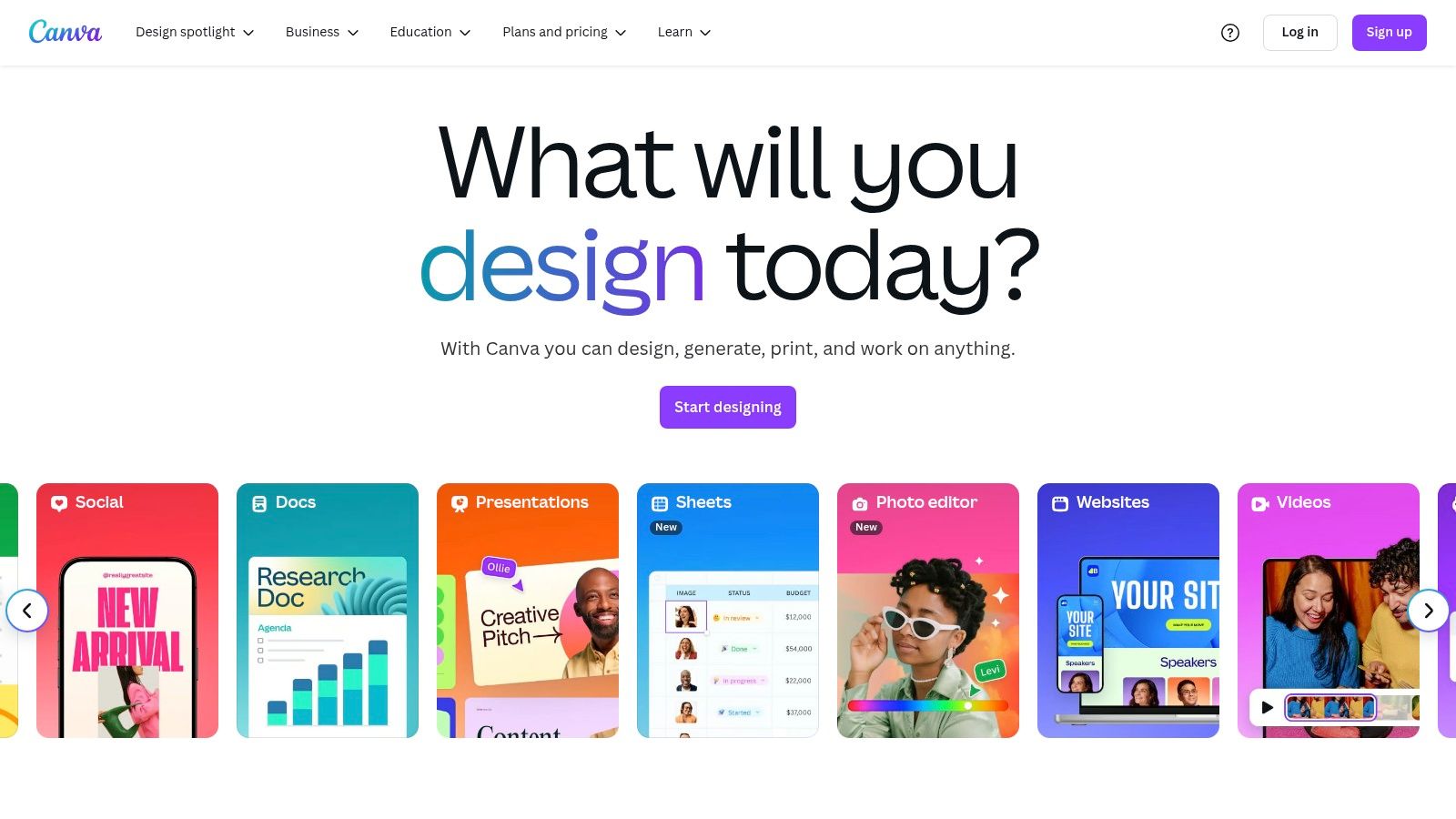
Its standout advantage is speed and simplicity. You can generate a full set of social media assets, a presentation, or a video with a few text prompts, making it invaluable for marketers and small businesses needing to produce content quickly. The collaboration features also allow teams to work together on designs in real-time, maintaining brand consistency through shared kits and templates. Canva makes AI-powered design feel less like a complex technical task and more like a creative conversation.
Key Features & Pricing
- Magic Studio: A suite of AI tools including Magic Design (instant templates), Magic Write (AI copywriting), Magic Edit/Erase (object removal), and text-to-image/video.
- Template Library: Access to a vast and constantly updated library of templates for almost any format, enhanced by AI suggestions.
- Team Collaboration: Features for real-time co-editing, commenting, and brand kits to ensure design consistency across an organisation.
- Pricing: A robust free tier is available. Canva Pro, which unlocks most Magic Studio features and premium assets, starts at £109.99/year for one person. Team plans offer advanced brand controls.
Pros and Cons
Pros:
- Low Learning Curve: Exceptionally easy to use, making it perfect for non-designers and quick tasks.
- Speed of Output: Ideal for generating social media posts, presentations, and marketing materials rapidly.
- Effective Collaboration: Excellent real-time features for teams to design together and manage brand assets.
Cons:
- Feature Gating: Many of the most powerful Magic Studio features are restricted to paid Pro or Teams plans.
- Limited Control: The free version has usage limits on AI tools and offers less fine-tuned control compared to professional desktop software.
Website: https://www.canva.com/
4. Figma (Figma Design + FigJam + newer AI features)
Figma has cemented its place as the industry-standard collaborative platform for UI/UX and product design. While not traditionally viewed as an AI-first company, its recent foray into artificial intelligence is set to enhance its already powerful ecosystem. The AI features, currently in beta, focus on accelerating workflows within Figma and FigJam, automating tedious tasks like generating design components or populating layouts with realistic content.
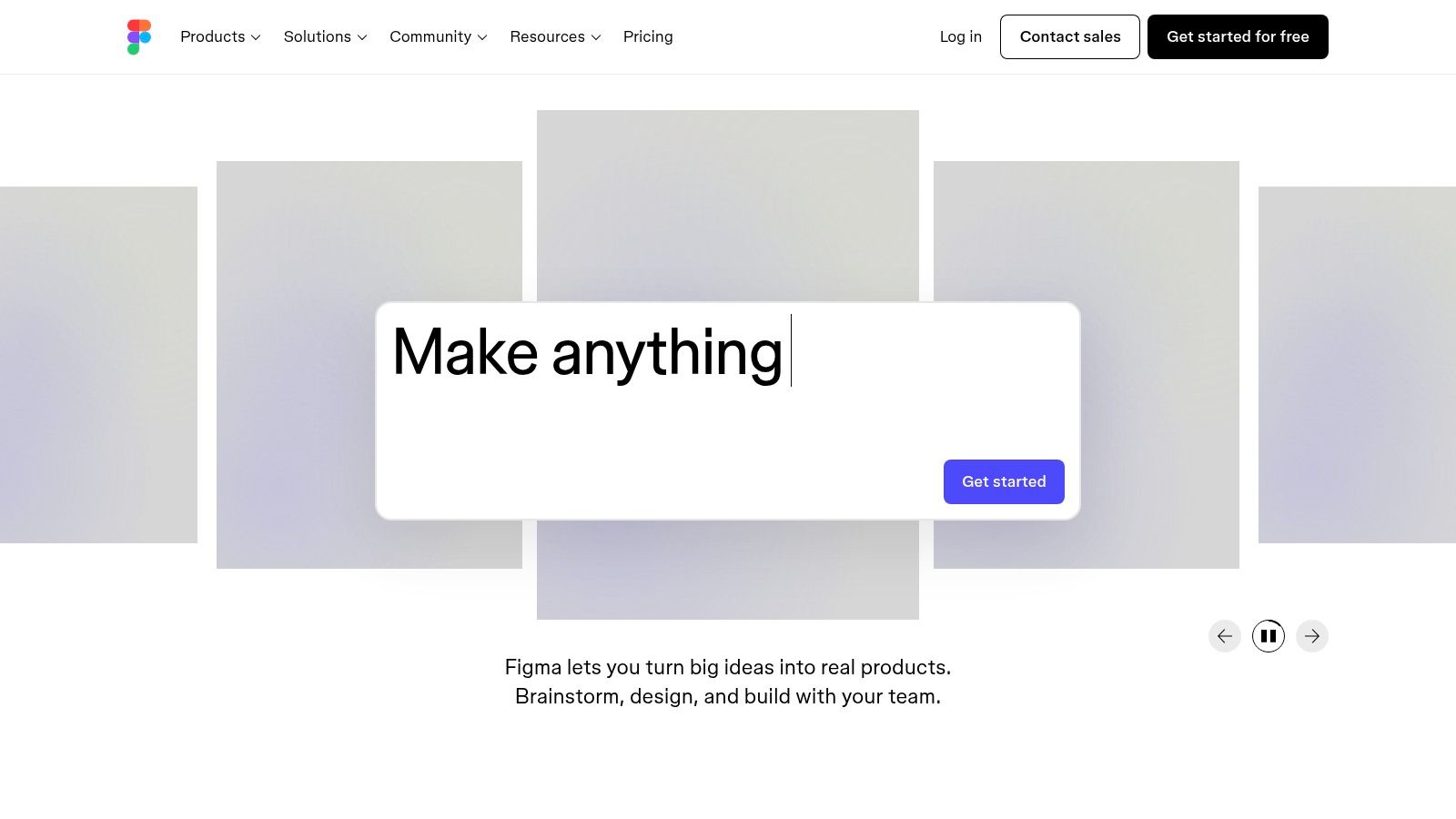
The primary advantage of Figma’s approach is integration. Instead of being a standalone image generator, its AI is designed to work within the context of a design system. This makes it a practical choice for teams looking to streamline their existing processes, rather than adopting entirely new ai design tools. The focus is on productivity gains within the design-to-development pipeline, a core strength of the platform.
Key Features & Pricing
- Real-time Collaboration: The core of Figma, allowing multiple users to work on the same file simultaneously with components, variables, and design systems.
- Beta AI Features: Currently free in beta, these tools assist with content generation, component creation, and diagramming in FigJam.
- UK Pricing Model: Figma offers clear pricing in GBP, with plans to revise its seat models in 2025. Paid plans start from £12 per editor/month.
- Design-to-Dev Handoff: Excellent support for developers to inspect designs, grab code snippets, and export assets, which is being enhanced with AI.
Pros and Cons
Pros:
- Industry Standard: Widely adopted for product design, making collaboration with teams and clients seamless.
- Free Beta Access: The AI features are currently free to use, allowing teams to experiment without commitment.
- Clear UK Billing: Transparent pricing in GBP with a clear roadmap for future plan structures.
Cons:
- Developing AI: The AI features are still in beta and not as mature as dedicated AI-first platforms.
- Pricing Changes: The upcoming revisions to the seat model may create confusion or increase costs for some teams.
You can learn more about other essential design tools and how they compare.
Website: https://www.figma.com/
5. Midjourney
Midjourney has established itself as a dominant force in AI image generation, renowned for producing highly stylised and artistic visuals. It operates almost exclusively through a Discord server, which has cultivated a vibrant community where users share prompts and techniques. While this interface may not suit every professional workflow, the platform’s output quality is often considered a benchmark among ai design tools, excelling at creating cohesive and imaginative concepts from text descriptions.
The platform’s strength lies in its distinctive aesthetic and powerful style consistency. Unlike some competitors, Midjourney makes it easier to generate a series of images that feel like they belong to the same project or brand world. This makes it ideal for concept art, mood boarding, and creating unique visual assets that require a strong artistic direction. Its recent venture into short video generation further expands its creative potential, offering another dimension for visual storytelling.
Key Features & Pricing
- High-Quality Image & Video Generation: Known for artistic outputs with strong coherence and now includes a new short video generation feature.
- Tiered Subscriptions: Four paid plans are available, starting from $10/month, offering different allocations of fast GPU time. An annual subscription provides a 20% discount.
- Privacy & Usage Modes: Features like Relax Mode allow for unlimited, slower generations on higher tiers, while Stealth Mode (available on the Pro Plan) ensures private creations.
- Community-Driven: The Discord-based platform fosters a rich culture of prompt engineering and creative collaboration among users.
Pros and Cons
Pros:
- Exceptional Image Quality: Delivers some of the most stylised and aesthetically pleasing AI-generated images available.
- Strong Community: The active Discord community is a great resource for learning and inspiration.
- Video Generation: The addition of video capabilities on paid plans adds significant value.
Cons:
- Discord-Based Workflow: Accessing the tool via a chat app can be clunky and unintuitive for designers used to traditional software.
- Commercial Use Restrictions: A higher-tier subscription is required for full commercial rights, which is a key consideration for businesses.
Website: https://www.midjourney.com/
6. Microsoft Designer
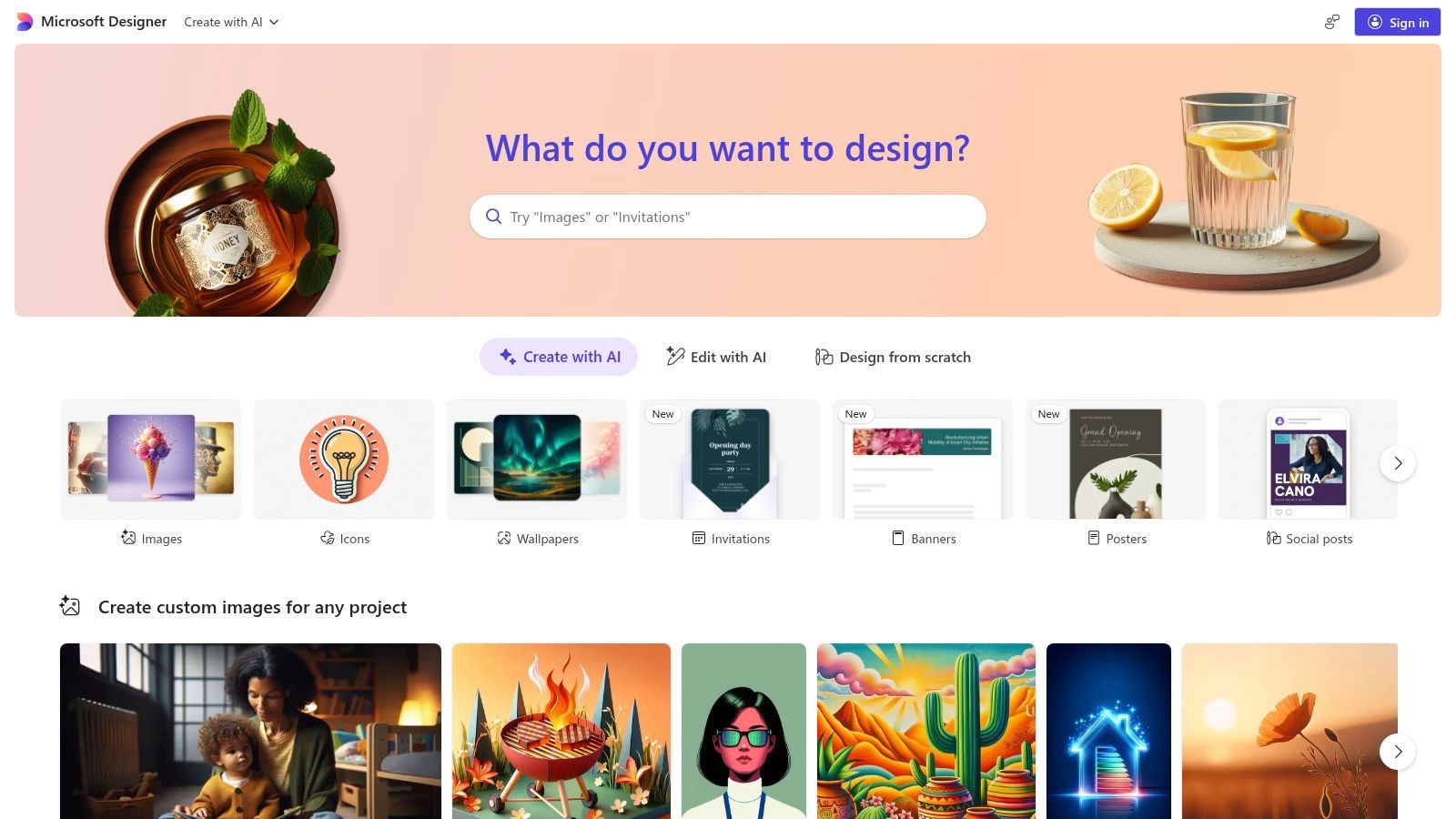
Microsoft has entered the creative space by leveraging its powerful DALL-E integration to create Microsoft Designer, a web-based graphic design app. It is aimed squarely at users already embedded in the Microsoft 365 ecosystem, offering a streamlined, template-guided approach to creating visuals. This makes it one of the most accessible ai design tools for professionals and small businesses who need to produce social media posts, invitations, or digital postcards without a steep learning curve.
Its key differentiator is its deep integration with the Microsoft suite. If you live in Word, PowerPoint, and Teams, Designer feels like a natural extension. It uses AI to suggest layouts and generate entire designs from a simple text prompt, which is ideal for those who are not professional designers but need to create professional-looking content quickly. The workflow is designed for speed and simplicity over granular control.
Key Features & Pricing
- AI-Powered by DALL-E: Generates images and complete design layouts from text prompts.
- Template-Guided Workflow: Simplifies the design process by offering AI-suggested templates and compositions.
- Microsoft 365 Integration: Works seamlessly with Microsoft accounts and is being integrated into apps like Edge and as part of Copilot.
- Free Access: Currently available for free with a Microsoft account, with more advanced features and higher generation limits tied to Microsoft 365 Personal and Family subscriptions.
Pros and Cons
Pros:
- Easy for Microsoft Users: Extremely low barrier to entry for anyone familiar with Microsoft 365.
- Rapid Content Creation: Excellent for quickly generating social media graphics and simple marketing assets.
- Ecosystem Integration: The connection with Copilot and other Microsoft apps creates a cohesive productivity loop.
Cons:
- Limited Creative Control: Less powerful and flexible compared to dedicated design software like Adobe’s.
- Confusing Entitlements: Feature availability and generation limits can vary based on your specific Microsoft 365 subscription tier.
I find that for a quick Instagram post based on a blog topic, I can simply input a heading, and Designer will propose several visual options instantly, which saves a significant amount of time.
Website: https://designer.microsoft.com/
7. Uizard
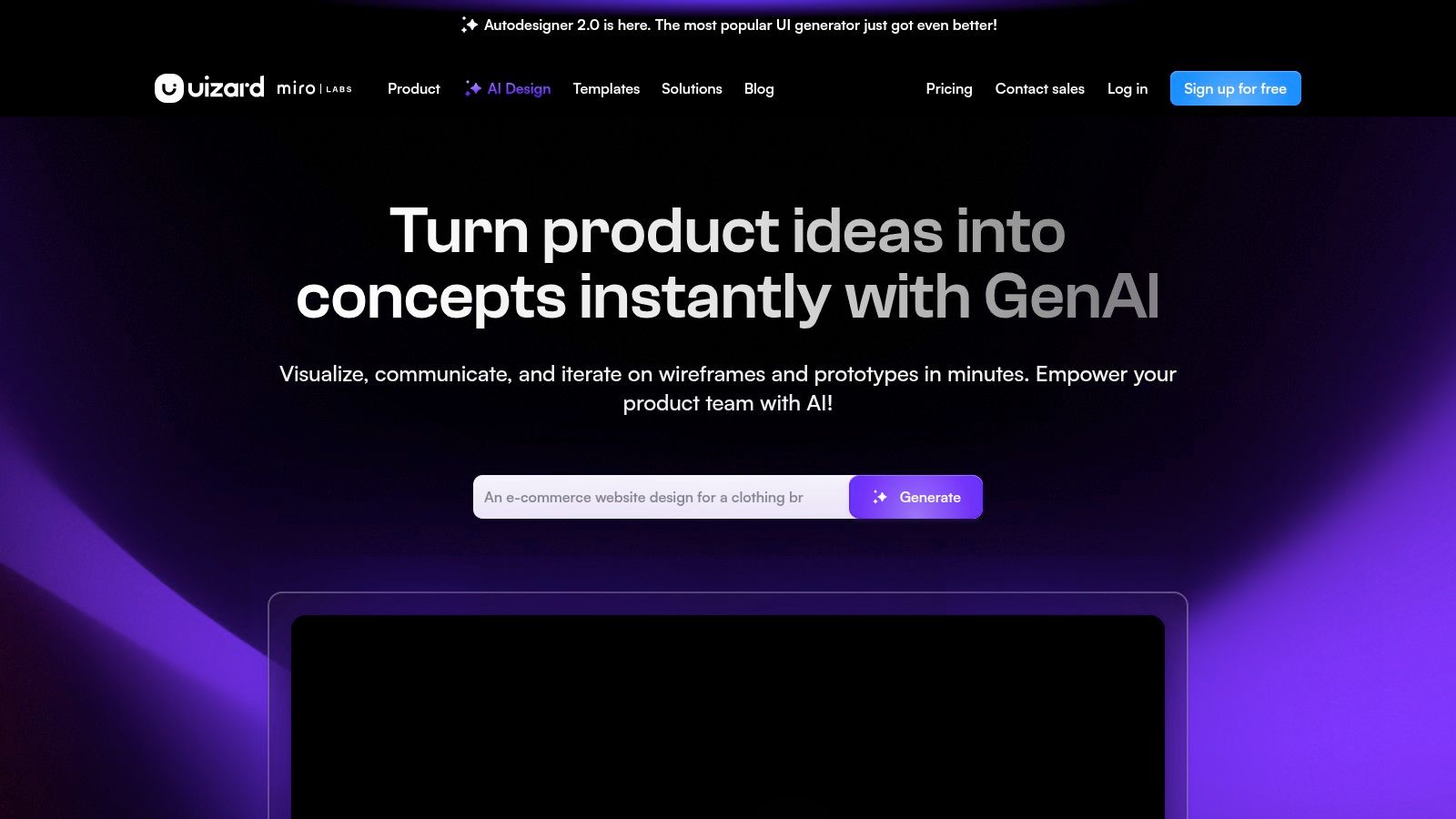
Uizard is an AI-powered UI/UX design tool built for speed, making it exceptionally good at turning ideas into tangible, editable designs in minutes. It stands out by generating multi-screen mockups for apps and websites from simple text prompts, hand-drawn sketches, or even screenshots of existing applications. This makes it one of the most accessible ai design tools for founders, marketers, and product managers who need to visualise a concept without deep design expertise.
Its core strength lies in rapid prototyping. Instead of starting with a blank canvas, you can use its Autodesigner 2.0 to instantly generate a full user interface, complete with a logical user flow and a consistent design theme. This allows teams to quickly create a minimum viable product (MVP) design for stakeholder presentations or initial user testing, bridging the gap between a raw idea and a developer-ready concept.
Key Features & Pricing
- Autodesigner 2.0: Generates entire UI screens, components, and themes from text prompts.
- Sketch & Screenshot Scanning: Turns uploaded wireframes or images into editable digital designs.
- Predictive Heatmaps: Analyses your layouts to predict where users will focus, helping to guide design decisions before development.
- Developer Handoff: Exports designs with CSS and React code snippets, streamlining the transition from design to development. Paid plans start from $12/month.
Pros and Cons
Pros:
- Incredible Speed: Go from a simple idea to a clickable prototype faster than almost any other tool.
- User-Friendly: The browser-based interface is intuitive, even for non-designers.
- Great for MVPs: Perfect for validating concepts and securing buy-in before investing heavily in design resources.
Cons:
- Not for Complex Systems: It is not a replacement for robust tools like Figma for creating detailed, scalable design systems.
- Limited Free Plan: The free tier is quite restrictive, making a paid plan necessary for any serious project.
Website: https://uizard.io/
8. Framer
Framer has rapidly become the go-to platform for designers who want to build and publish professional, production-ready websites without touching code. Its genius lies in bridging the gap between design and development, offering a visual canvas that feels like Figma but outputs a live site. The recent integration of AI features makes it one of the most powerful ai design tools for web creation, allowing you to generate entire page layouts with simple text prompts.
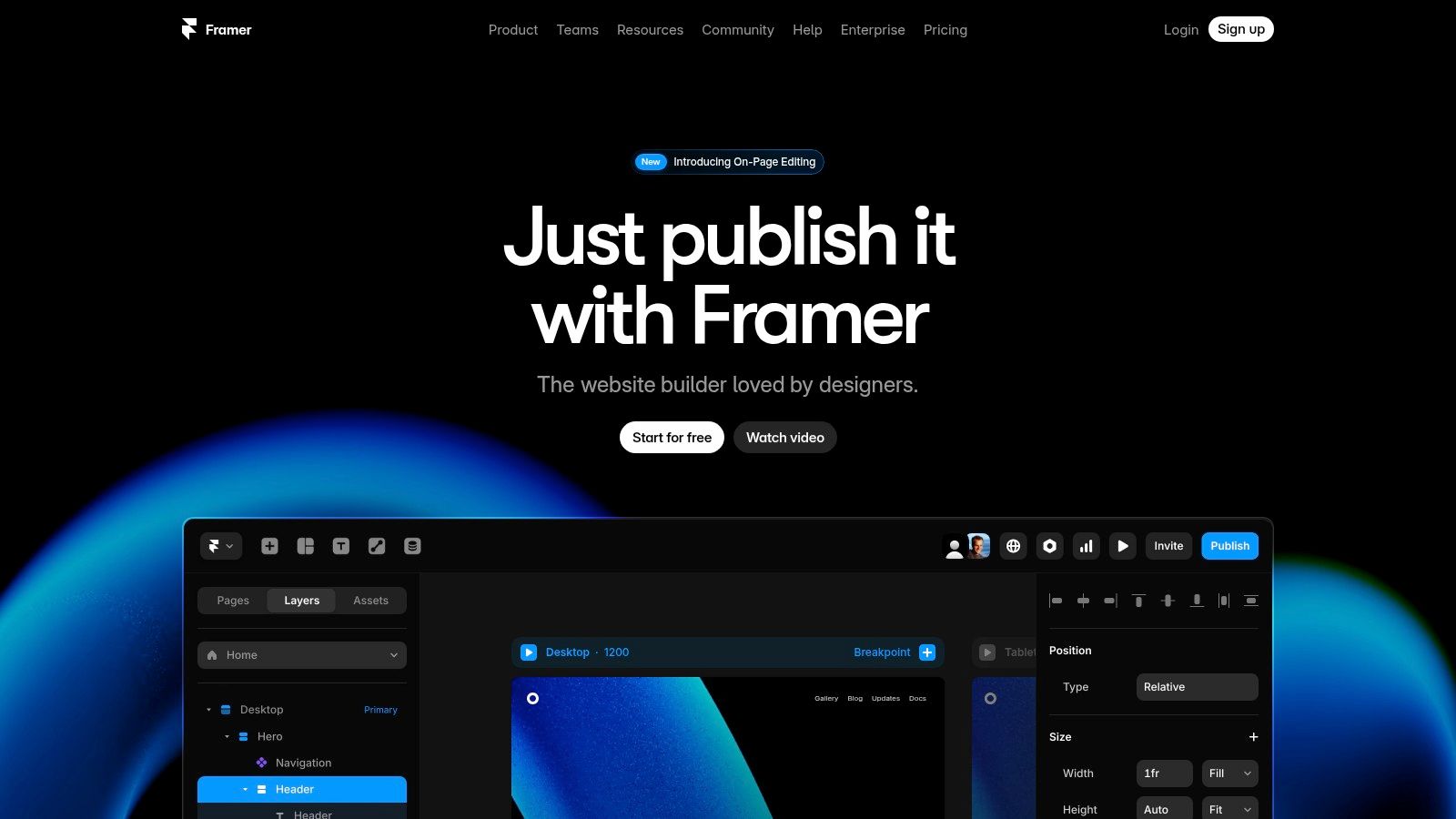
The platform’s standout feature is its AI Wireframer, which can scaffold a landing page complete with responsive breakpoints in seconds. This is not just about generating static images; it creates fully editable components on the canvas. This accelerates the initial design phase dramatically, allowing you to move straight to customisation and content population. The built-in hosting, CMS, and analytics complete the package, making it a true all-in-one solution.
Key Features & Pricing
- AI Wireframer: Generate page layouts, copy, and styles instantly from a text prompt.
- Built-in Hosting: Every site comes with a free global CDN, custom domain support, and SSL.
- CMS & Localisation: Create dynamic content with CMS collections and add localisation for international audiences.
- Flexible Plans: Starts with a free tier. Paid plans are billed per site (from £4/month for a Mini site) plus optional per-editor fees for team collaboration.
Pros and Cons
Pros:
- Rapid Publishing: Go from a design concept to a live, high-performance website incredibly quickly.
- Professional Polish: A no-code tool that does not compromise on design quality or modern web standards.
- Clear, Scalable Pricing: The model allows you to start small and add features or team members as you grow.
Cons:
- Compound Costs: The per-site plus per-editor billing can become expensive for large teams managing many projects.
- Web App Limitations: Best suited for marketing sites and landing pages, not complex, data-heavy web applications.
Website: https://www.framer.com/
9. Runway
Runway has firmly established itself as a pioneer in the generative video space, making it one of the most exciting ai design tools for motion designers, filmmakers, and content creators. While many platforms focus on static images, Runway’s expertise lies in bringing ideas to life through motion. Its suite of tools, powered by advanced models like Gen-2, allows users to generate high-quality video clips from simple text prompts, images, or even other videos.
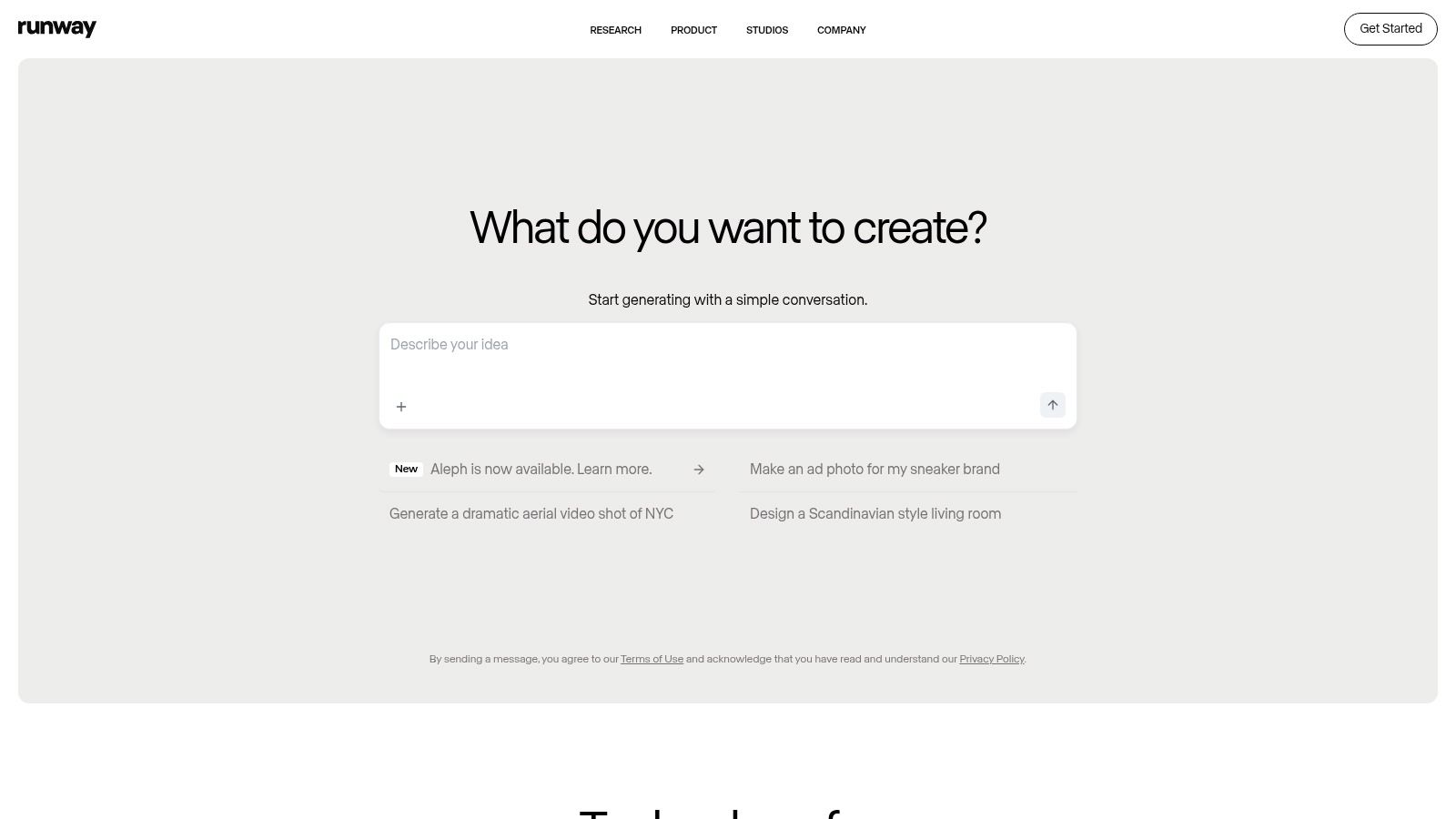
The platform’s real strength is its focus on a complete video production workflow. Beyond simple generation, it offers features for upscaling, frame interpolation (motion smoothing), and performance capture. This makes it an indispensable tool for creating everything from dynamic social media content and advertising spots to experimental short films, all within a collaborative, cloud-based workspace. For teams, the ability to share assets and projects streamlines the creative process significantly.
Key Features & Pricing
- Generative Video: Advanced text-to-video, image-to-video, and video-to-video generation.
- AI Magic Tools: A collection of over 30 tools including video upscaling, background removal, and motion tracking.
- Credit-Based System: A free tier offers limited credits. Paid plans start from $12/user/month (billed annually) for more credits, 4K exports, and watermark removal.
- Team Collaboration: Pro and Unlimited tiers provide shared workspaces, project management, and increased storage.
Pros and Cons
Pros:
- Market-Leading Video AI: Consistently at the forefront of AI video generation quality and innovation.
- Comprehensive Toolset: Covers many aspects of the video post-production pipeline.
- Strong for Social & Ads: Ideal for producing high-impact, short-form video content quickly.
Cons:
- Complex Credit Usage: Calculating the credit cost for different actions can be confusing and video generation is intensive.
- Steep Learning Curve: The sheer number of advanced tools may feel overwhelming for absolute beginners.
I find Runway particularly powerful when I need to create a unique b-roll sequence for a corporate video. For a practical walkthrough, you can see how Runway’s tools work together in a real-world project.
Website: https://runwayml.com/
10. Leonardo.Ai
Leonardo.Ai has rapidly carved out a niche as one of the most versatile ai design tools for generating high-quality, stylised imagery. It excels particularly in creating assets for gaming, product mock-ups, and concept art, offering a suite of proprietary models like Alchemy and PhotoReal that deliver stunningly consistent and detailed visuals. Its platform strikes an excellent balance between user-friendliness for beginners and advanced controls for professionals.
What truly sets Leonardo.Ai apart is its focus on asset creation and brand consistency. Unlike general-purpose image generators, its features are tailored for designers needing specific outputs, such as game assets or advertising visuals. The ability to train your own models on your product or art style, combined with private inputs and outputs by default, makes it a powerful and secure choice for commercial creative projects.
Key Features & Pricing
- Proprietary Models: Access to powerful models like Alchemy for high-fidelity images and PhotoReal for photorealistic outputs.
- Model Training: Users can fine-tune or train their own models using their own images for brand-consistent visuals.
- API Access: Robust API plans are available for integrating Leonardo’s generation capabilities directly into apps and workflows.
- Commercial Ownership: Clear terms that grant users ownership of their generated images. Plans start with a free tier and paid options from $10/month.
Pros and Cons
Pros:
- Strong Specialisation: Excellent for product shots, game assets, and creating brand-consistent imagery.
- Professional Depth: Balances ease of use with deep customisation, including model training.
- Flexible API: The API uses non-expiring credits, offering great flexibility for integration projects.
Cons:
- USD Pricing: All plans are priced in USD, so UK businesses need to account for currency conversion and potential VAT.
- Complex Plans: The web app and API plans are structured differently, which can be confusing when choosing the right subscription.
Website: https://leonardo.ai/
11. DreamStudio by Stability AI
DreamStudio is the official web interface for Stability AI’s powerful Stable Diffusion models. It acts as a direct-access portal for designers who want to experiment with raw image generation without the complexity of a local installation or the constraints of a monthly subscription. This makes it an excellent choice for rapid ideation, mood boarding, and creating unique visual concepts on an ad-hoc basis.
The platform’s strength lies in its simplicity and pay-as-you-go model. Unlike many integrated ai design tools, DreamStudio provides a straightforward, uncluttered interface focused purely on generation. You input a prompt, adjust parameters like image dimensions and model version, and generate. This direct approach is ideal for creatives who need to quickly test an idea or produce a specific asset without committing to a wider software ecosystem.
Key Features & Pricing
- Stable Diffusion Access: Direct use of various Stable Diffusion models for high-quality text-to-image and image-to-image generation.
- Pay-Per-Use Credits: You buy credits and only spend them when you generate images. Pricing is often around $10 USD for 1,000 credits, which can generate several hundred images depending on the settings.
- Parameter Control: Advanced settings allow users to fine-tune aspects like steps, CFG scale, and seed for more predictable results.
- Starter Credits: New users are often given a small number of free credits to trial the platform.
Pros and Cons
Pros:
- No Subscription: Only pay for what you use, making it cost-effective for occasional projects.
- Great for Experimentation: A simple, direct interface is perfect for exploring concepts and creating initial visual directions.
- No Software Installation: Fully web-based, allowing for quick access from any machine.
Cons:
- Variable Pricing: The cost per credit and the number of credits per generation can change, with clear pricing only visible after logging in.
- Lacks Workflow Tools: It is purely a generator and lacks the project management or template features of more integrated platforms.
Website: https://dreamstudio.ai/
12. Looka
Looka is an AI-driven platform that specialises in rapid logo creation and brand identity development. It is positioned as an accessible entry point into branding, making it ideal for start-ups, small businesses, or temporary campaigns that need a professional look without the timeline or cost of hiring a designer. The process is straightforward: you input your company name and industry, select styles and colours you like, and the AI generates a vast array of logo options to refine.
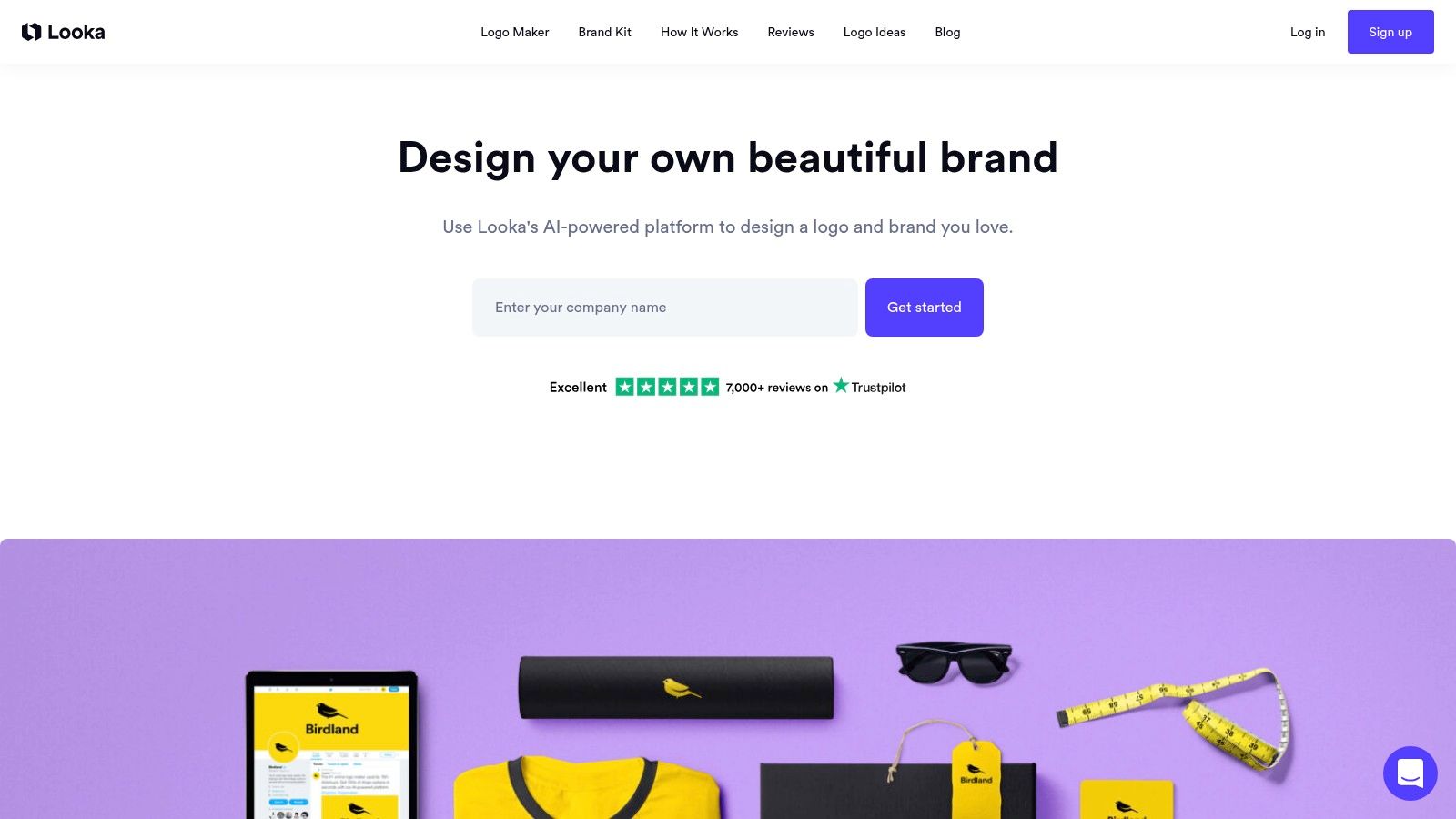
Where Looka truly excels beyond simple logo generation is with its Brand Kit subscription. This add-on takes your finalised logo and automatically produces hundreds of branded assets, from business cards and email signatures to social media headers and presentations. This makes it one of the most efficient ai design tools for establishing a consistent visual identity across multiple channels with minimal effort.
Key Features & Pricing
- AI Logo Maker: Generates countless logo variations based on user preferences for industry, style, and colour.
- Brand Kit Subscription: Automatically creates over 300 branded marketing assets. This is an ongoing subscription separate from the initial logo purchase.
- Full Logo Ownership: A one-time purchase provides high-resolution logo files in various formats (PNG, JPG, SVG) and colourways for full commercial use.
- AI Website Builder: An optional add-on to generate a basic, branded website using your new identity.
Pros and Cons
Pros:
- Speed and Efficiency: Excellent for generating branding concepts and assets in minutes, not days.
- Cost-Effective: A very affordable alternative to commissioning a bespoke brand identity project.
- Comprehensive Assets: The Brand Kit is a major time-saver for producing consistent marketing collateral.
Cons:
- Generic Results: The logos can sometimes lack the unique, bespoke quality of a professionally designed mark.
- Subscription Model: The most powerful feature, the Brand Kit, requires an ongoing subscription which needs to be factored into your budget.
For a practical use case, a new e-commerce store could use Looka to generate a full set of launch assets—a logo, social media profile pictures, and banner images—all within an hour.
Website: https://looka.com/
AI Design Tools Feature Comparison
| Tool | Core Features | User Experience / Quality | Unique Selling Points | Target Audience | Price Points |
|---|---|---|---|---|---|
| Vectorizer.io | AI vector image conversion, background removal | Easy online use, fast vectorisation | No software install, colour simplification | Designers, marketers | Free / online tool |
| Adobe CC + Firefly | Industry-standard design apps with AI features | Professional workflow, extensive ecosystem | Embedded Firefly AI, UK pricing & support | Professional creatives, agencies | Subscription (varied tiers) |
| Canva (Magic Studio) | AI-powered design tools, templates, collaboration | User-friendly, fast content creation | Extensive templates & team brand controls | Non-designers, marketers | Free + Pro/Teams subscription |
| Figma | UI/UX design with real-time collaboration, AI beta | Collaborative, product design-focused | Beta AI features, design-to-dev workflows | UI/UX designers, teams | Paid plans, GBP pricing |
| Midjourney | AI image & short video generation via Discord | High-quality stylised output | Strong community, privacy modes | Creative artists, hobbyists | Subscription tiers with GPU minutes |
| Microsoft Designer | AI design via DALL-E, Microsoft 365 integration | Simple templates, tight MS ecosystem | Easy for MS365 users, Copilot integration | Microsoft users, non-designers | Included with MS365 subscription |
| Uizard | AI UI/UX prototyping from text/sketches | Fast prototyping, easy exports | Predictive heatmaps, developer handoff | Product teams, MVP creators | Free + paid tiers |
| Framer | AI-assisted web design & publishing | No-code, fast publish, hosting included | AI Wireframer, CMS, analytics | Marketers, small teams | Personal & business paid plans |
| Runway | AI video/image generation, collaboration | Advanced video tools, collaborative workspaces | Leading AI video, export flexibility | Motion designers, content teams | Credit-based paid plans |
| Leonardo.Ai | AI image generation with API & fine-tuning | Professional depth with ease of use | Private inputs, model training, API flexibility | Brands, developers | USD pricing, pay-as-you-go |
| DreamStudio | Text-to-image via Stable Diffusion, pay-as-you-go | Simple, no subscription needed | Flexible credit system, experimentation friendly | Designers, experimenters | Credit-based, pay-per-use |
| Looka | AI logo maker + Brand Kit subscription | Fast branding asset generation | Brand Kit for assets + AI website add-on | Start-ups, small businesses | One-time + subscription options |
Final Thoughts
Navigating the rapidly expanding landscape of ai design tools can feel like trying to chart a new continent. I have journeyed through a dozen powerful platforms, from the specialised precision of Vectorizer.io for image conversions to the all-encompassing creative suites of Adobe Firefly and Canva’s Magic Studio. Each tool presents a unique proposition, a different way to augment, accelerate, or even revolutionise the creative process.
The core takeaway is that AI is not a singular, monolithic entity in the design world. It is a spectrum of specialised assistants. Some, like Midjourney and Leonardo.Ai, are pure-bred ideation engines, brilliant at conjuring visuals from abstract text prompts. Others, such as Figma and Framer, are integrating AI more subtly, using it to automate repetitive tasks and build functional prototypes with unprecedented speed. This distinction is crucial; the “best” tool does not exist in a vacuum. It only becomes the best when aligned with a specific task, workflow, and skill set.
How to Choose Your AI Design Companion
Selecting the right ai design tools from this list requires a moment of introspection about your own needs. Before you commit to a subscription or invest time in learning a new platform, I suggest you ask yourself a few key questions:
- What is my primary design goal? Are you focused on brand creation (Looka), user interface and experience design (Uizard, Figma), video editing (Runway), or raw visual asset generation (Midjourney, DreamStudio)? Your primary function dictates your starting point. For instance, a small business owner needing a quick logo will find Looka far more practical than the artistic complexities of Midjourney.
- Where does this tool fit into my existing workflow? A crucial consideration is integration. If you are already deeply embedded in the Adobe Creative Cloud ecosystem, Firefly is a logical and powerful extension. Similarly, if your team lives and breathes Figma, its native AI features will offer the most seamless and collaborative experience. Trying to force a standalone tool into a well-oiled process can create more friction than it removes.
- What is my tolerance for a learning curve? Tools like Canva and Microsoft Designer are designed for immediate accessibility, prioritising user-friendliness over granular control. In contrast, platforms like Runway or Leonardo.Ai offer immense power but demand a greater investment in learning their nuances, from prompt engineering to understanding specific model behaviours. Be honest about how much time you can dedicate to mastering a new system.
- What is my budget? The pricing models I have explored vary significantly. Many tools offer generous free tiers that are perfect for experimentation. I highly recommend you start there. Use the free versions of Uizard, Figma, and Leonardo.Ai to get a tangible feel for their capabilities before considering a paid plan.
The Future is a Collaborative Canvas
The most significant shift these ai design tools represent is not the replacement of human creativity, but its augmentation. They are not here to take over the role of the designer. Instead, they act as tireless assistants, brilliant brainstormers, and hyper-efficient production artists. They handle the tedious, automate the repetitive, and offer novel perspectives, freeing you up to focus on the strategic, emotional, and narrative aspects of design that remain uniquely human.
The true power is unlocked when you treat these tools as collaborators. Use Midjourney to generate a dozen visual concepts in minutes, then take the strongest one into Adobe Illustrator and use Vectorizer.io to refine it into a scalable brand asset. Use Uizard to quickly mock up a user flow, then import it into Framer to build a fully interactive, AI-powered website. The future of design is not about choosing one tool, but about orchestrating a symphony of them. Embrace the experimentation, stay curious, and you will find that these AI partners can elevate your creative output to levels you never thought possible.
Feeling inspired to integrate these powerful strategies but not sure where to start? At Mersudin Forbes Digital, I specialise in leveraging cutting-edge tools and SEO best practices to build high-performance e-commerce websites and digital presences. Visit Mersudin Forbes Digital to see how I can help you translate these AI-driven possibilities into tangible business growth.