TinyWow – Free PDF, Video & Image Tools
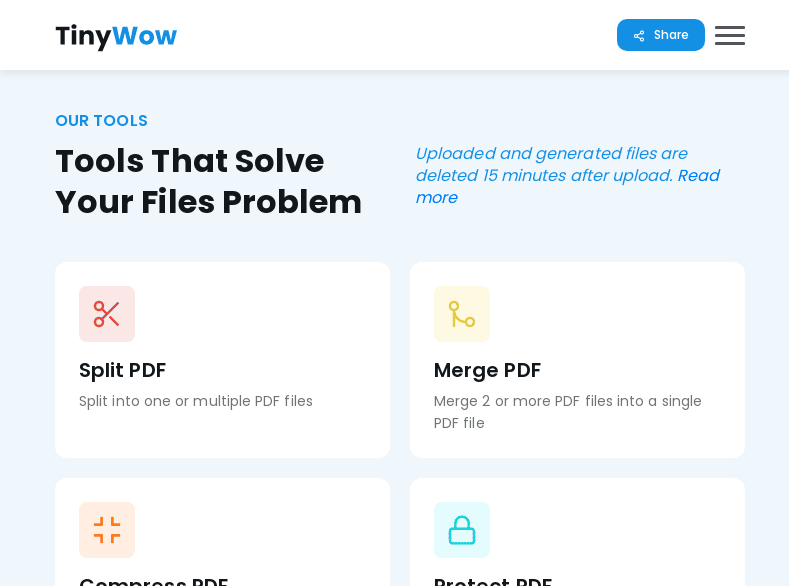
Easily split, merge, unlock, compress and e-sign PDF files with this really useful website. You can also perform task such as turning videos into GIF files, compress images and turn them into different file formats.
- What’s so good about TinyWow?
- Main Features
- Use Cases
- How do you Use TinyWow?
- Considerations
- Where do you get it?
What’s so good about TinyWow?
If you use a Mac like me, splitting PDF files is a massive pain. With this tool, you can easily achieve this by just uploading the file you need to edit. Converting Videos into GIF files is also a very useful tool for sharing explainer media (such as the one I use below in the how to). The tool can actually unlock PDF files which is awesome if you ever forget your password and the meme maker is a fun addition to the toolset.
Main Features
- The tool is completely free to use.
- Files are automatically deleted after 1 hour.
- Video to GIF is very useful for when you want to keep web pages light.
- PDF Splitter, Unlocker, Protector, e-sign, merge and convert to word file.
- Meme maker.
- Convert image files to other formats.
Use Cases
I found that the video editing tools are very useful on already processed videos. For example, you could use Loom to record certain processes or actions and turn them into GIFs that loop when you want to explain a certain process.
- Quickly edit video files.
- Quickly unlock and convert PDF files.
- Easily create memes
- Convert web pages to JPEd files. Similar to screenshot guru
How do you Use Tinywow?
- Go to https://tinywow.com/
- Select the tool you need to use.
- Upload the file you need to edit.
- Download the finished file.
To use TinyWow, you can upload PDF files from your computer, Dropbox, or Google drive. To save a PDF file, click on the “PDF” button at the top left corner of the page. Next, you can select the desired page and select whether you want to extract individual pages or save all pages. Once you select the page you want, you can upload an image. After this, the unprocessed files will be removed from your account in 15 minutes.
Video to GIF Example:
Video to GIF Converter
Video Review
Considerations
- Files are deleted after 1 hour
- Ensure your FPS on video to gif conversion is no more than 15fps
- The PDF unlocker can be a bit glitchy.
- URL to JPEG works very well, possibly better than screenshot guru.
- Sometimes, depending on the screensize, you have to zoom out to see the whole menu.
Is Tiny wow safe?
Yes, TinyWow is safe, they even delete your data after 1 hour. Nothing is ever 100% safe on the internet so be sure to not share information you are not happy to be disclosed in some way.
Where do you get it?
- Go to https://tinywow.com/
Frequently Asked Questions
Is Tinywow.com free?
Yes, Tinywow is completely free to use. They make their money from Display advertising by showing one ad on each page.
What is Tinywow used for?
Tinywow can solve many of your every day digital challenges such as converting PDf files to word, removing image backgrounds, merging PDFs and editing PDFs.
Here are some links to the most commonly used Tinywow tools:
1. Remove Background
2. Merge PDF
3. PDF to JPG
4. Edit PDF
5. Split PDF
6. Word to PDF
7. Compress PDF
Is Tinywow safe to use?
Tinywow encrypt all of their files and uploads. They also delete all uploaded files 1 hour after upload. If you were to use another tool and upload another file, that file would start the 1 hour deletion period for that file again.
Did you like this?
If you did, consider subscribing to my email list so you get updates about new tools I test out every week. I won’t ever spam you.