12 Best AI Tools for Content Creation in 2025

In a digital landscape that demands a constant stream of high-quality content, staying ahead requires more than just creativity; it demands efficiency. As a digital marketer and content strategist, I have personally navigated the challenge of producing impactful material at scale. The rise of artificial intelligence has been a complete game-changer, and today I am sharing my personal, curated list of the top AI tools for content creation.
This is not just another generic list. I have personally tested these platforms, delving into their practical applications for everything from crafting SEO-optimised blog posts to producing engaging marketing videos without needing a single camera. I’ll cover a range of powerful options, including video generators like Synthesia and Pictory, alongside writing assistants such as Jasper and Writesonic.
This guide is designed to give you an honest, hands-on look at what works, what doesn’t, and how you can integrate these powerful tools into your own content strategy to achieve tangible results. For each tool, I provide a detailed breakdown of its features, ideal use cases, and pricing, complete with screenshots and direct links to help you make an informed decision. My goal is to cut through the hype and show you precisely how to find the best platforms for your specific needs, whether you’re a small business owner, a social media manager, or part of a larger marketing team.
Let’s explore how the right AI tools for content creation can revolutionise the way you work.
1. Synthesia
Synthesia is a leading AI video generation platform that empowers users to create professional-quality videos without cameras, microphones, or real-life actors. Based in the UK, it has established itself as one of the premier AI tools for content creation, particularly for corporate and educational purposes. I have found it invaluable for producing consistent training materials and marketing explainers at scale, replacing what would have been a costly and time-consuming filming process.
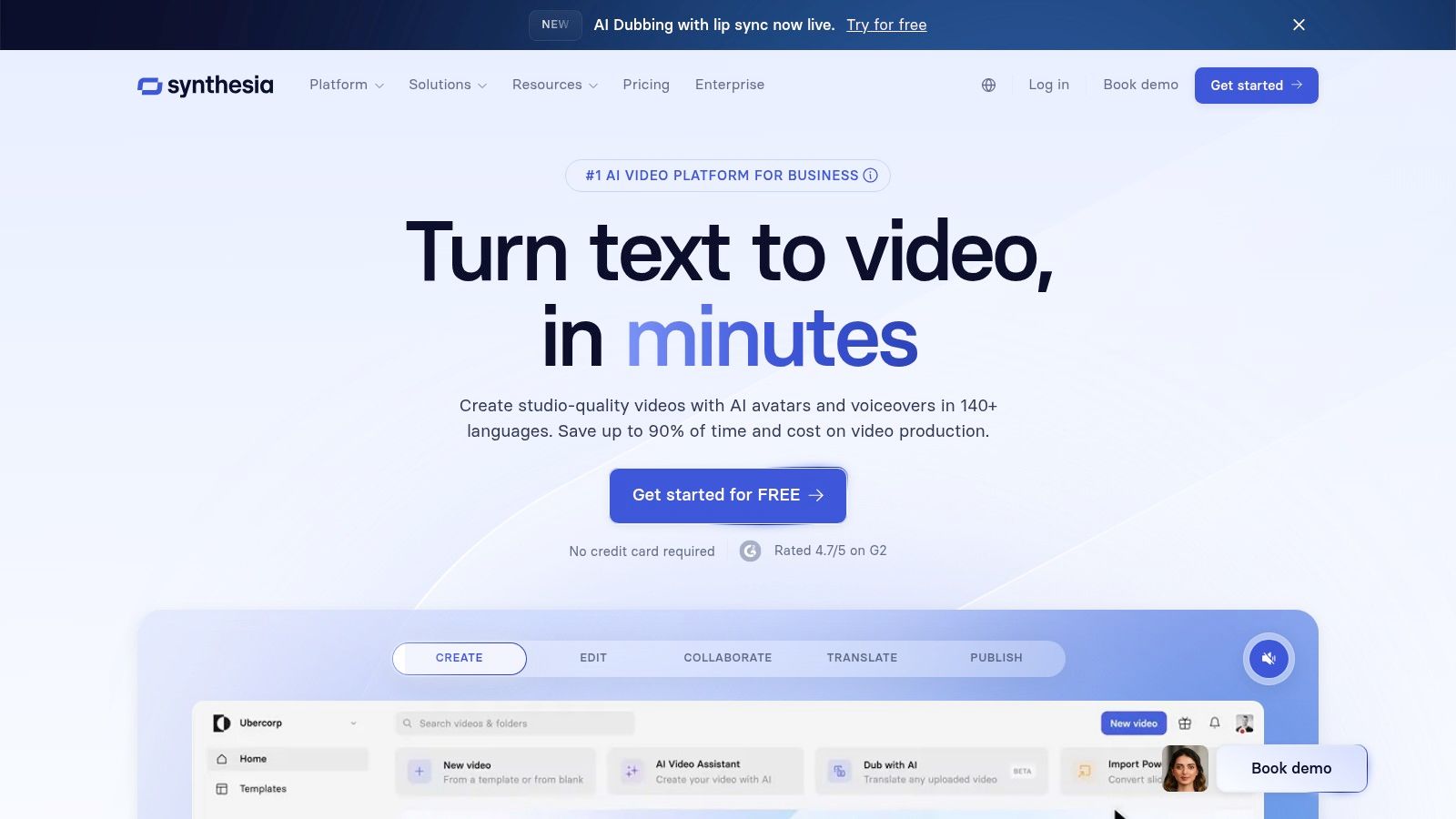
The platform’s standout feature is its library of photorealistic AI avatars. You simply type your script, and a digital presenter voices it in one of over 140 languages, complete with natural-sounding accents and synchronised lip movements. This capability is a game-changer for businesses targeting global audiences, allowing for rapid localisation of video content. For example, a global company like Xerox used Synthesia to create personalised sales videos, reportedly leading to a significant increase in meeting bookings.
Key Features & Use Cases
Synthesia’s user-friendly interface, built around templates, makes video creation accessible even for beginners. Here’s a breakdown of its strengths:
- Ideal Use Cases: Perfect for corporate training modules, product demonstrations, internal communications, and creating social media marketing videos quickly.
- Customisation: While avatar movements have some limitations, you can upload your own brand assets, choose backgrounds, and even create a custom AI avatar of yourself (available on enterprise plans).
- Language Support: The extensive language library is a significant advantage over competitors, ensuring your message resonates authentically in different regions.
Pricing and Practical Considerations
Synthesia operates on a subscription model. The Personal plan starts at £22 per month, which includes 10 minutes of video generation. Business and enterprise tiers offer more video minutes, custom branding, and collaboration features. While it is highly cost-effective compared to traditional video production, it’s worth noting that intricate scenes or highly specific gestures may still require post-production editing in another software tool for a perfect finish.
Practical Tip: For the most realistic output, break your script into shorter sentences. This allows the AI to generate more natural pauses and intonations, significantly improving the final video’s flow. For instance, instead of one long paragraph, use single-sentence slides to create a more conversational rhythm.
Website: https://www.synthesia.io/
2. Copy.ai
Copy.ai is an AI-powered writing assistant designed to streamline the creation of marketing copy, from social media updates to long-form blog posts. As one of the most accessible AI tools for content creation, it excels at generating ideas and producing first drafts rapidly. I often use it to break through writer’s block for ad copy or to quickly generate multiple variations of email subject lines, which saves a significant amount of brainstorming time.
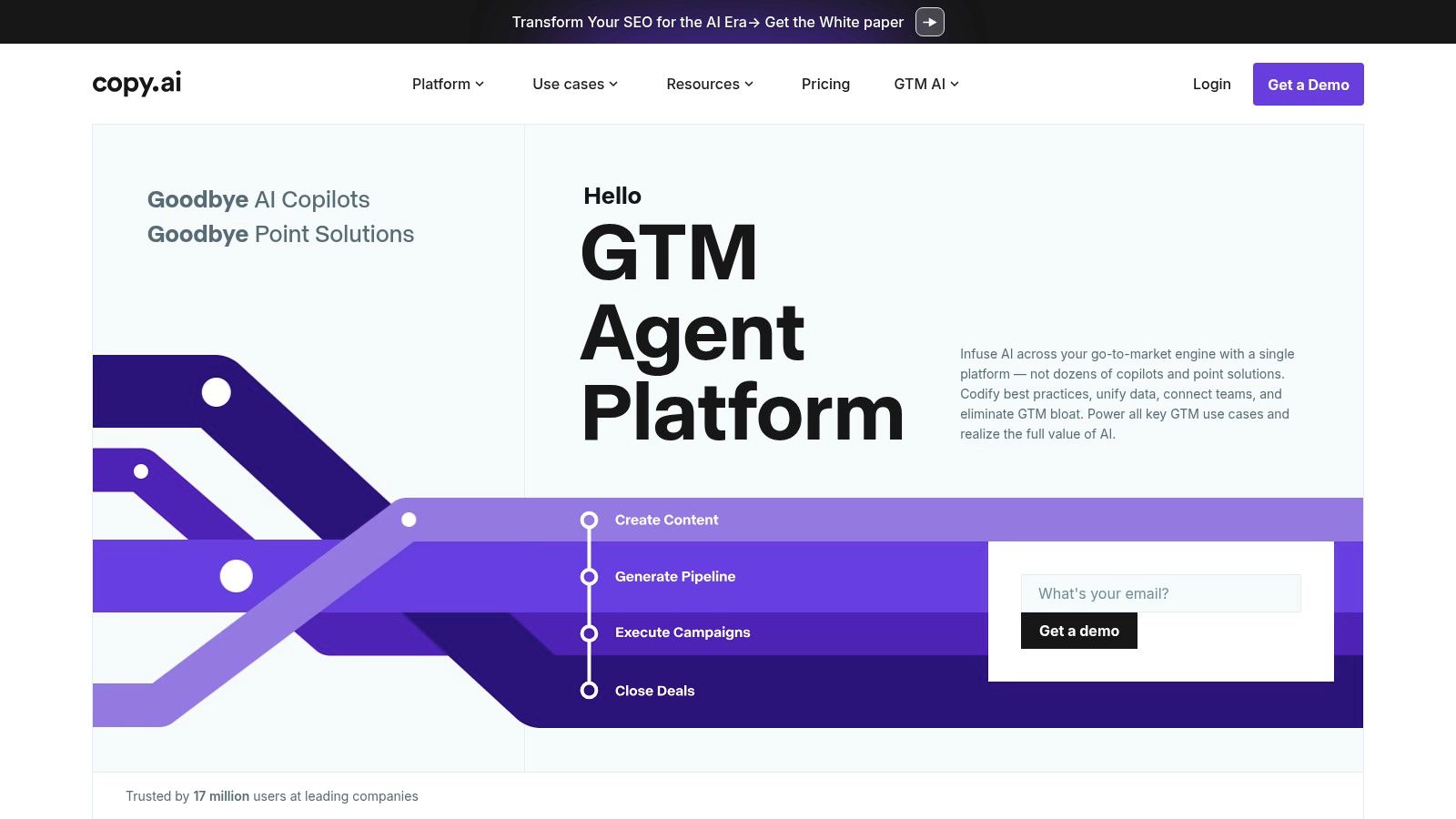
The platform’s strength lies in its extensive library of over 90 specialised tools and templates. Whether you need to write a product description, a catchy Instagram caption, or a professional follow-up email, there is a pre-built prompt ready to go. This template-driven approach makes it incredibly user-friendly, especially for marketers who need to produce diverse content formats consistently and efficiently. For instance, a small e-commerce shop could use the “Product Descriptions” tool to generate compelling copy for 50 different products in under an hour.
Key Features & Use Cases
Copy.ai is organised to help users find the exact writing tool they need with minimal fuss. Here’s a breakdown of its core applications:
- Ideal Use Cases: Perfect for generating short-form content like social media posts, Google Ads headlines, product descriptions, and sales emails. It is also effective for brainstorming blog post outlines.
- Workflow Integration: The platform features a “Brand Voice” function where you can input text that reflects your company’s tone, ensuring the AI’s output is more aligned with your brand from the start.
- Language Support: It supports over 25 languages, making it a viable option for businesses creating campaigns for different international markets.
Pricing and Practical Considerations
Copy.ai offers a generous free plan that includes 2,000 words per month, making it an excellent starting point for individuals or small teams. The Pro plan, starting at $36 per month (billed annually), offers unlimited words and access to the latest features. While the AI generates content quickly, outputs for more complex or nuanced topics will almost always require human editing and fact-checking to ensure accuracy and polish.
Practical Tip: Use the “Infobase” feature to provide the AI with specific details about your products, services, or target audience. This gives the tool crucial context, leading to more relevant and factually correct copy generation. For example, input “Our target audience is UK-based mums aged 25-40 who are interested in sustainable living.”
Website: https://www.copy.ai/
3. Writesonic
Writesonic is a powerful AI writing assistant specifically engineered to generate high-quality marketing copy at speed. It excels at creating everything from engaging blog posts and articles to persuasive ad copy and product descriptions. I’ve found it to be an indispensable part of my workflow, especially when facing tight deadlines for campaign launches, as it streamlines the initial drafting process for SEO-optimised content. It stands out as one of the most versatile AI tools for content creation for marketers.
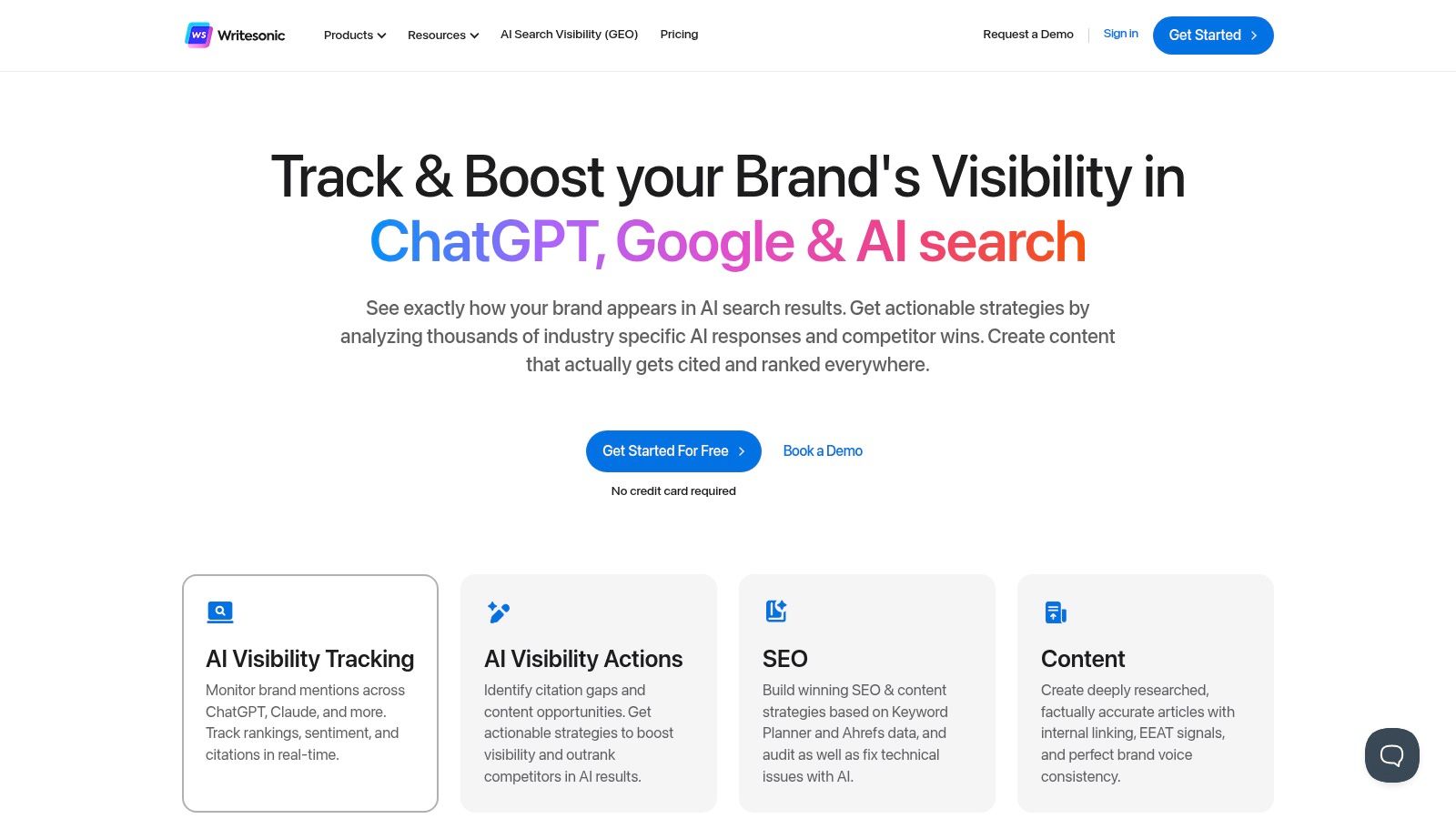
The platform’s strength lies in its extensive library of over 100 templates, catering to both short-form needs like social media updates and long-form requirements like complete articles. Its Sonic Editor, which functions similarly to Google Docs but with integrated AI capabilities, makes polishing the generated text intuitive and efficient. This focus on a refined user experience makes it accessible for both seasoned writers and marketing professionals new to AI.
Key Features & Use Cases
Writesonic’s user-friendly dashboard allows for quick content generation, making it a go-to for rapid-turnaround tasks. Here’s a breakdown of its strengths:
- Ideal Use Cases: Perfect for generating SEO-friendly blog posts, Google and Facebook ad copy, landing page content, and e-commerce product descriptions. It’s also great for brainstorming content ideas.
- SEO Optimisation: Includes built-in tools to help ensure content is optimised for search engines, checking for keyword density and readability.
- Language Support: The platform supports over 30 languages, making it a solid choice for creating content for diverse, international markets.
Pricing and Practical Considerations
Writesonic offers a flexible pricing model, including a generous free trial that provides 10,000 words per month to test its features. Paid plans, like the Business plan starting from $12.67 per month, offer higher word limits and advanced features like the Sonic Editor. While the tool is incredibly efficient, some niche or highly technical outputs may require manual refinement to capture the correct tone and accuracy.
Practical Tip: Use the “Article Writer” feature by providing a reference article or your own key points. For instance, I might paste a link to a competitor’s high-ranking article and instruct Writesonic to create a new post with a different angle but covering similar key topics. This guides the AI to generate more relevant and factually accurate content that aligns closely with your desired outline and style.
Website: https://writesonic.com/
4. Rytr
Rytr is an AI writing assistant that has carved out a niche as one of the most accessible and affordable AI tools for content creation. Aimed squarely at individual creators, bloggers, and small businesses, it simplifies the process of generating written content for a huge variety of formats. I’ve often recommended Rytr to freelancers and startups who need a reliable writing partner without the significant financial commitment required by more enterprise-focused platforms.
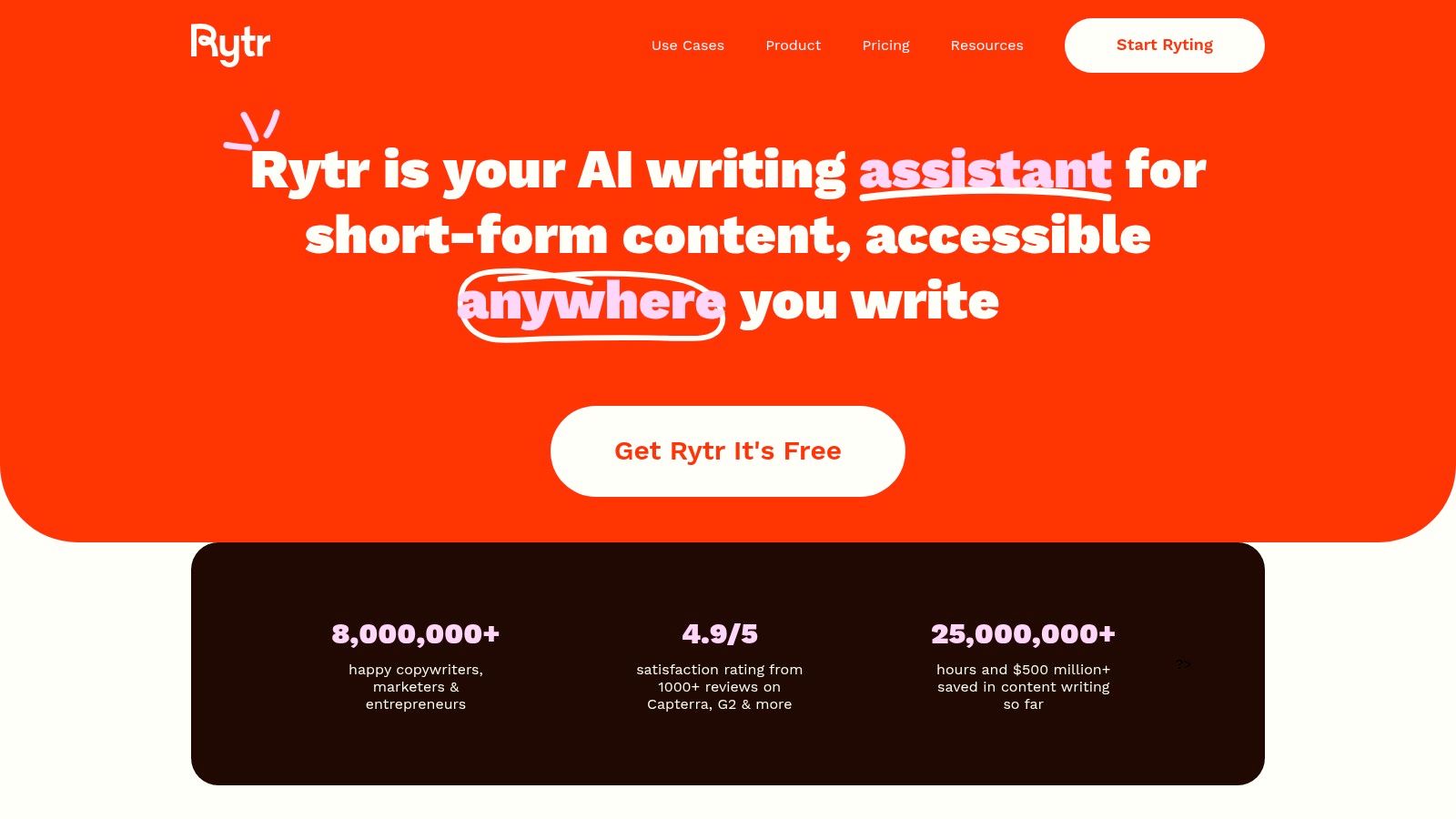
The platform’s core strength lies in its simplicity and speed. It offers a clean, uncluttered interface where you can quickly select a use case, provide some brief input, choose a tone, and generate copy in seconds. This makes it an excellent tool for overcoming writer’s block or producing high-volume, short-form content like social media posts or product descriptions.
Key Features & Use Cases
Rytr’s streamlined approach is reflected in its feature set, which prioritises efficiency and ease of use over complex, granular controls.
- Ideal Use Cases: Excellent for drafting blog ideas and outlines, writing social media captions, generating ad copy, creating product descriptions, and writing emails.
- Template Variety: With over 40 use cases, it covers a wide spectrum of common content needs, from SEO meta descriptions to creative story plots.
- Language Support: It supports content generation in over 35 languages, making it a versatile option for creators with an international audience.
Pricing and Practical Considerations
Rytr’s pricing model is one of its most attractive features. It offers a generous free-forever plan that allows you to generate up to 10,000 characters per month. Paid plans are also very competitive, with the Saver plan offering 100,000 characters for a low monthly fee, and an Unlimited plan for power users. While it is incredibly cost-effective, the character limits on lower-tier plans can be restrictive for long-form content, and its integration capabilities are more basic compared to larger platforms.
Practical Tip: Use the “Rephrase” and “Continue Ryting” features to refine and expand upon initial AI generations. For example, generate a single sentence for a social post, then use “Expand” to flesh it out into a full paragraph, and “Rephrase” to create three different tonal variations for A/B testing. This iterative process often produces a more polished and complete piece of content than trying to get the perfect output in one go.
Website: https://rytr.me/
5. Jasper
Jasper is a highly-regarded AI content creation platform that excels at generating marketing copy, blog posts, and social media updates. Headquartered in the US, it has carved out a niche as one of the best AI tools for content creation for teams focused on maintaining a consistent brand identity. I have personally used it to rapidly scale content production for marketing campaigns, finding its ability to learn and replicate a specific tone of voice to be a significant time-saver.
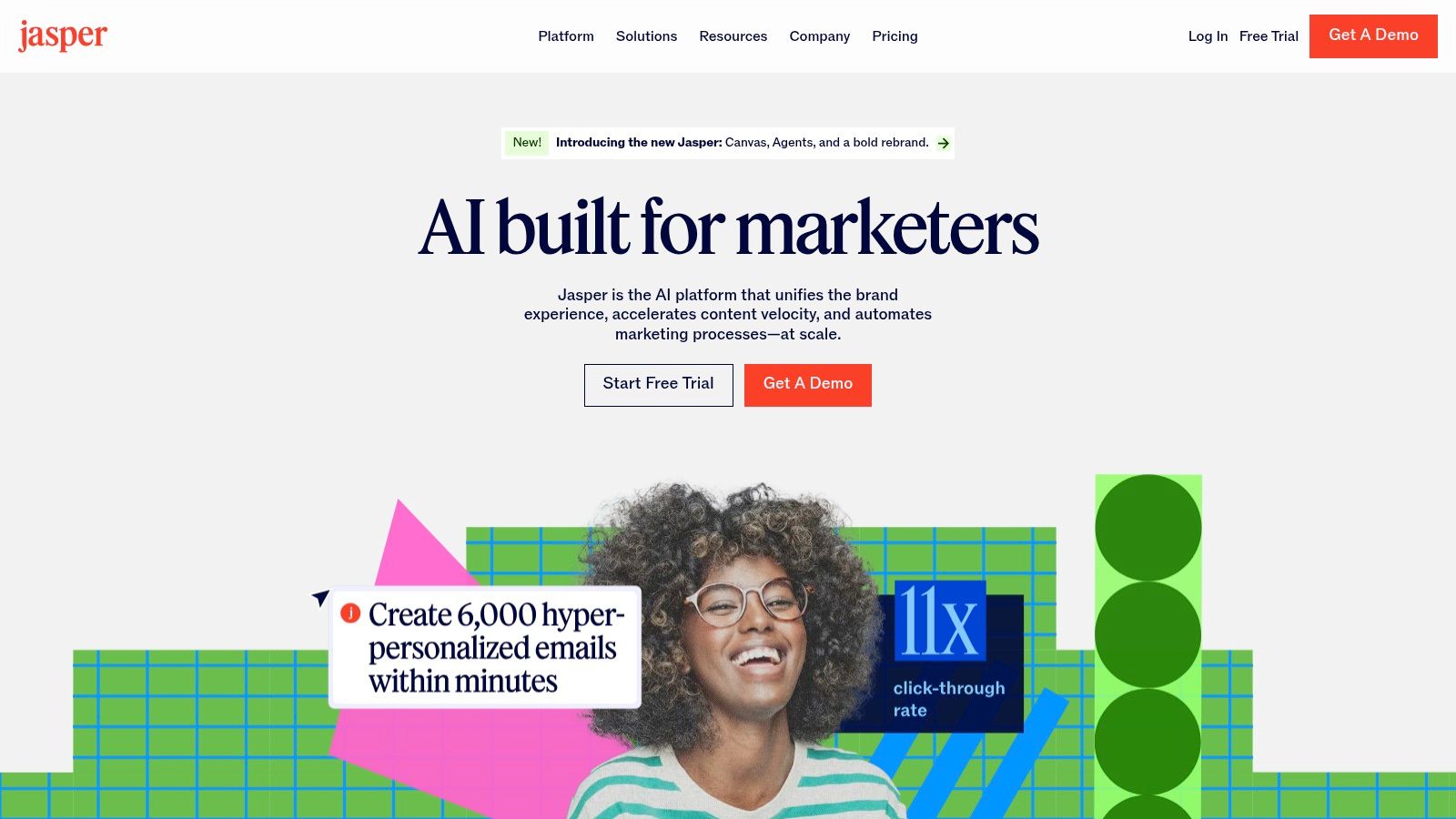
The platform’s signature feature is its Brand Voice technology. You can provide Jasper with examples of your existing content, like URLs or text documents, and it will analyse and internalise your style, tone, and terminology. This ensures that every piece of generated content, from an email headline to a full-length article, sounds authentically like your brand, which is crucial for building trust with your audience.
Key Features & Use Cases
Jasper’s intuitive interface and pre-built templates make it accessible for marketers, even without extensive technical expertise. Here’s how it shines:
- Ideal Use Cases: Perfect for drafting high-volume marketing copy, creating first drafts of blog posts, generating social media captions, and brainstorming ad campaign ideas.
- Brand Consistency: The Brand Voice feature is its core strength, making it ideal for organisations that need to maintain a specific tone across all communications.
- Language Support: With support for over 25 languages, it is a practical choice for businesses aiming to adapt their marketing messages for different international markets.
Pricing and Practical Considerations
Jasper offers several subscription tiers, starting with a Creator plan aimed at individuals and freelancers. Business plans provide more advanced collaboration features and greater Brand Voice customisation. While its pricing is higher than some alternatives, the quality of its marketing-focused output often justifies the investment. However, for highly technical or complex subjects, the generated content will almost certainly require manual review and editing by a subject matter expert to ensure complete accuracy.
Practical Tip: To get the best results from the Brand Voice feature, provide a diverse range of high-quality content samples. For example, upload a formal press release, a casual blog post, and a witty social media caption to give the AI a well-rounded understanding of your communication style across different channels.
Website: https://www.jasper.ai/
6. Lumen5
Lumen5 is a specialised AI video creation platform designed to transform text-based content, like blog posts or articles, into engaging social media videos. It stands out among AI tools for content creation for its efficiency in repurposing written assets into a visual format. I’ve found it incredibly useful for breathing new life into older blog content, quickly creating shareable video summaries that drive traffic back to my site with minimal effort.
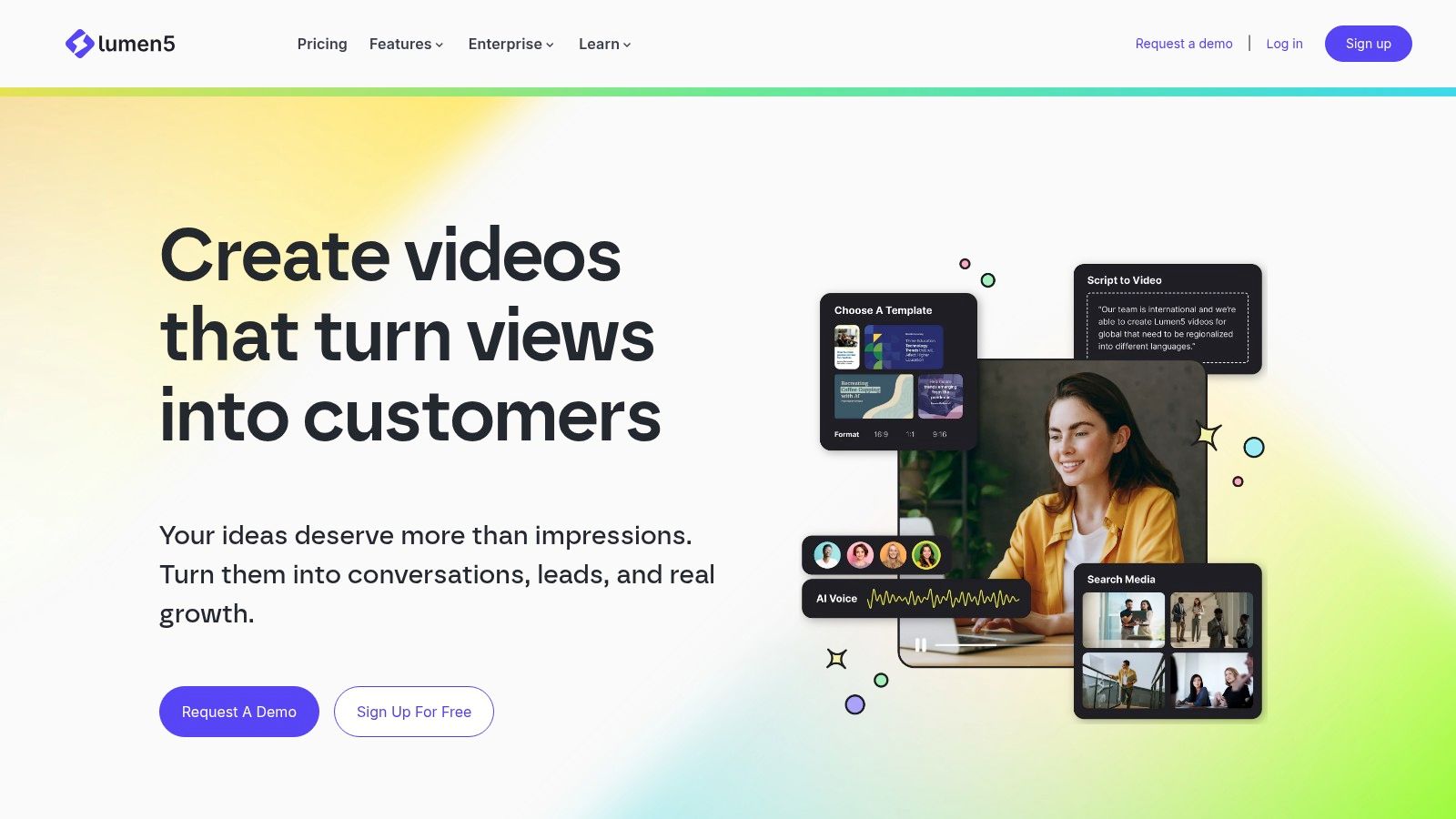
The platform’s core strength is its AI-powered text-to-video engine. You simply input a link to an article, and Lumen5’s AI analyses the text, identifies key sentences, and automatically matches them with relevant stock footage, images, and music from its extensive library. This automates the most time-consuming part of video creation, making it accessible to marketers and creators without video editing experience. For instance, brands like Siemens have used Lumen5 to turn dense white papers into digestible video summaries for their social media channels.
Key Features & Use Cases
Lumen5 is built for speed and simplicity, focusing on turning existing content into short, impactful videos. Here’s a breakdown of its main strengths:
- Ideal Use Cases: Perfect for content repurposing, creating social media video ads, summarising articles for platforms like LinkedIn or Facebook, and enhancing content engagement.
- Automation: The AI’s ability to instantly generate a video storyboard from a URL is its killer feature, drastically reducing production time.
- Media Library: Its integration with Getty Images and other stock media providers offers a vast selection of high-quality assets to complement your text.
Pricing and Practical Considerations
Lumen5 offers several tiers, including a free Community plan, which is great for trying out the platform but includes a watermark on all videos. Paid plans start with the Basic tier at $29 per month (billed annually), which removes the watermark and offers 720p resolution. Higher-tier plans provide access to more stock media and better video quality. While customisation is somewhat limited compared to full-featured video editors, its primary function is speed and ease of use.
Practical Tip: Don’t rely solely on the AI’s initial scene selection. Manually review and swap out media clips to better match your brand’s tone and the specific nuance of your message. The AI provides a great starting point, but a human touch makes the final product much more polished. For instance, if the AI selects a generic office photo, swap it for one showing a more dynamic, collaborative environment that reflects your company culture.
Website: https://lumen5.com/
7. InVideo
InVideo is a versatile AI video creation platform designed to make video production accessible and incredibly fast, particularly for social media and marketing content. Where other tools focus on complex features, InVideo prioritises speed and simplicity through a vast template library. I have used it extensively to produce quick, engaging video ads for Instagram Stories and promotional clips for product launches, turning a simple script or article link into a polished video in minutes.
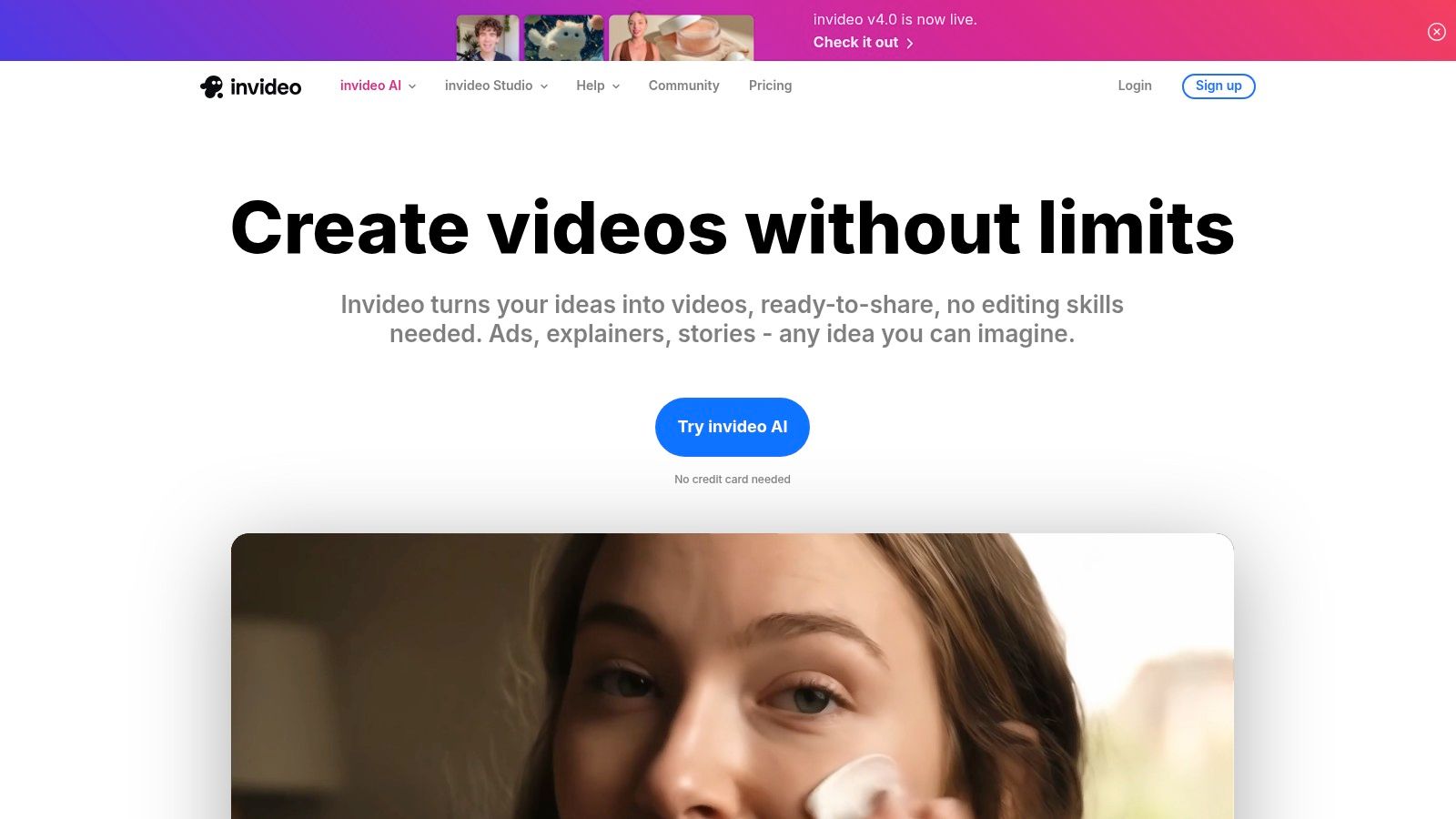
Its core strength lies in its AI-powered text-to-video feature, which analyses your script and automatically selects relevant stock footage, images, and music from its extensive library. This makes it one of the most efficient AI tools for content creation for marketers and small business owners who need to generate high volumes of video content without a steep learning curve or significant time investment. To learn more about how InVideo compares to other video tools, see this in-depth analysis.
Key Features & Use Cases
InVideo’s platform is built for speed, making it ideal for fast-paced marketing environments. Here’s how it excels:
- Ideal Use Cases: Perfect for social media ads, short explainer videos, listicles, event promotions, and converting blog posts into video formats.
- Template Library: With over 6,000 professionally designed and customisable templates, you can find a starting point for almost any project, ensuring brand consistency.
- AI Assistance: The text-to-video function is a standout, but it also offers an AI script generator and voiceover creation, streamlining the entire workflow from concept to completion.
Pricing and Practical Considerations
InVideo offers a free plan, which is great for testing the platform but includes a watermark on all videos. Paid plans are very competitive, with the Plus plan starting at around £12 per month. This removes the watermark and provides access to a larger stock media library. While excellent for beginners and rapid creation, it lacks the advanced timeline editing and granular controls found in more professional video editing software.
Practical Tip: When using the text-to-video feature, review the AI’s media choices carefully. While often accurate, swapping a few clips manually with more brand-aligned assets from the stock library can elevate the final video’s quality significantly. For example, if you’re creating a video about London, the AI might show Big Ben, but you could manually swap in a clip of a bustling market in Shoreditch for a more unique feel.
Website: https://invideo.io/
8. Runway
Runway is a powerful, browser-based suite of AI-powered video creation and editing tools designed to democratise filmmaking and content production. It feels less like a single tool and more like an entire creative studio, aiming to drastically reduce the complexity and cost of traditional video workflows. I’ve found it to be one of the most versatile AI tools for content creation available, particularly for experimental projects and creating stunning visuals from simple text prompts.
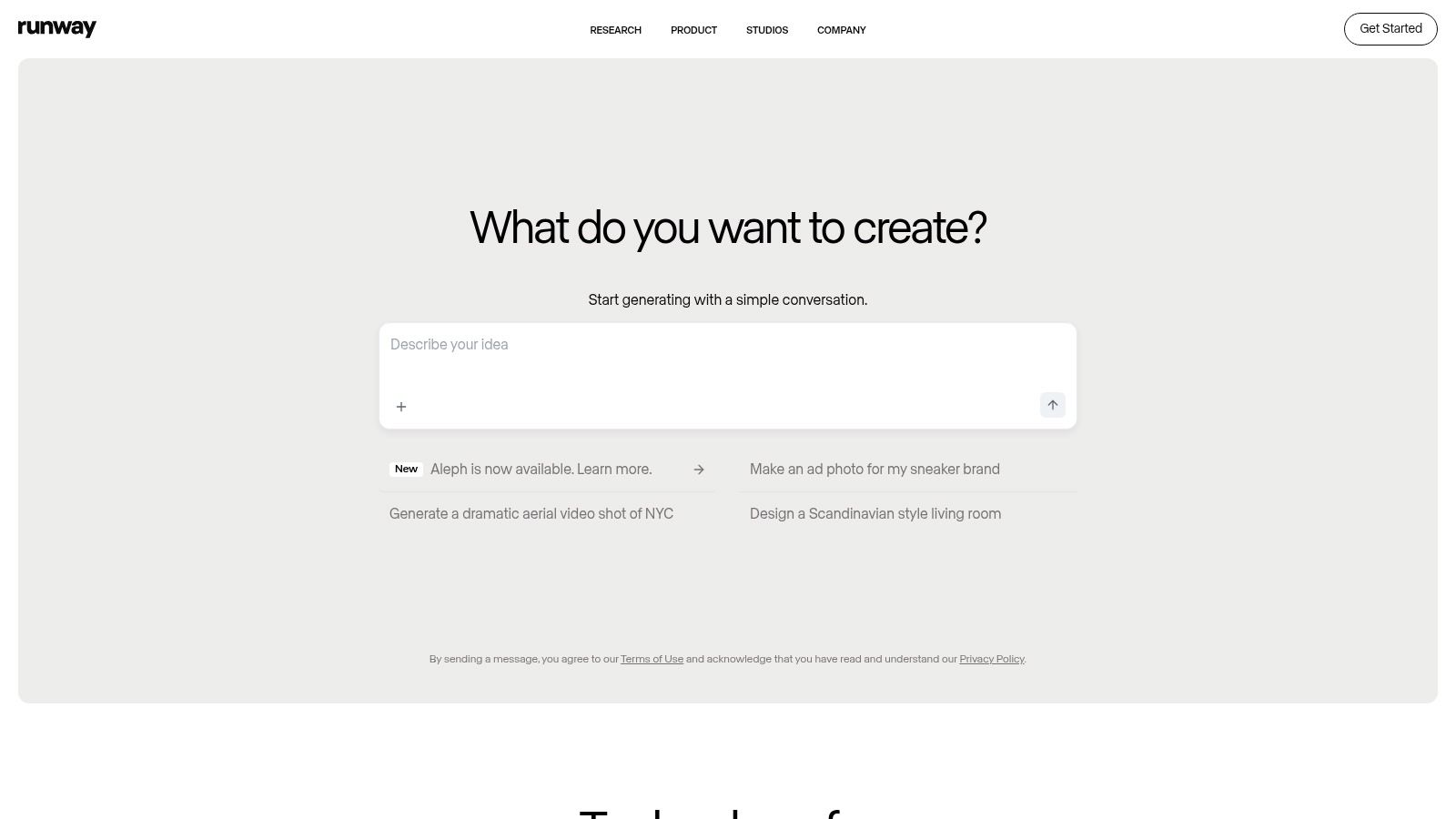
The platform’s standout feature is its Gen-2 text-to-video model, which generates impressive video clips from descriptive prompts. Beyond that, its ‘AI Magic Tools’ offer functions like inpainting (removing objects from video), motion tracking, and automatic background removal, which previously required specialised software and significant skill. This comprehensive toolkit makes advanced video effects accessible to everyone. For example, the Oscar-winning film Everything Everywhere All At Once famously used Runway’s tools for some of its visual effects.
Key Features & Use Cases
Runway’s strength lies in its all-in-one approach, combining generative AI with practical editing features. Here’s how it excels:
- Ideal Use Cases: Perfect for creating short-form social media clips, music videos, animated storyboards, and abstract B-roll footage for larger projects. It’s also great for marketers wanting to quickly visualise a concept without a full production team.
- Generative Capabilities: The text-to-video and image-to-video features are its core appeal, allowing you to bring imaginative concepts to life with minimal input.
- Editing Suite: Unlike many generative-only tools, it includes a multi-track timeline editor, letting you combine AI-generated clips with your own footage and audio.
Pricing and Practical Considerations
Runway offers a freemium model. The Free plan provides a limited number of credits to experiment with the tools. Paid plans start from $12 per user/month (billed annually), which offers more credits, higher resolution exports (up to 4K), and removes watermarks. While the user-friendly interface is a major plus, achieving a specific, desired output from text-to-video can sometimes require trial and error with your prompts.
Practical Tip: Be highly descriptive and specific in your Gen-2 prompts. Instead of “a car driving,” try “a cinematic shot of a vintage red sports car driving on a coastal road at sunset, lens flare.” The more detail you provide, the closer the AI will get to your vision.
Website: https://runwayml.com/
9. Pictory
Pictory is an AI video generator designed to transform long-form text content, such as blog posts and articles, into engaging, shareable videos. It has become a crucial part of my content repurposing strategy, allowing me to breathe new life into existing written work with minimal effort. As one of the most accessible AI tools for content creation, it excels at turning static text into dynamic visual assets for platforms like YouTube and LinkedIn.
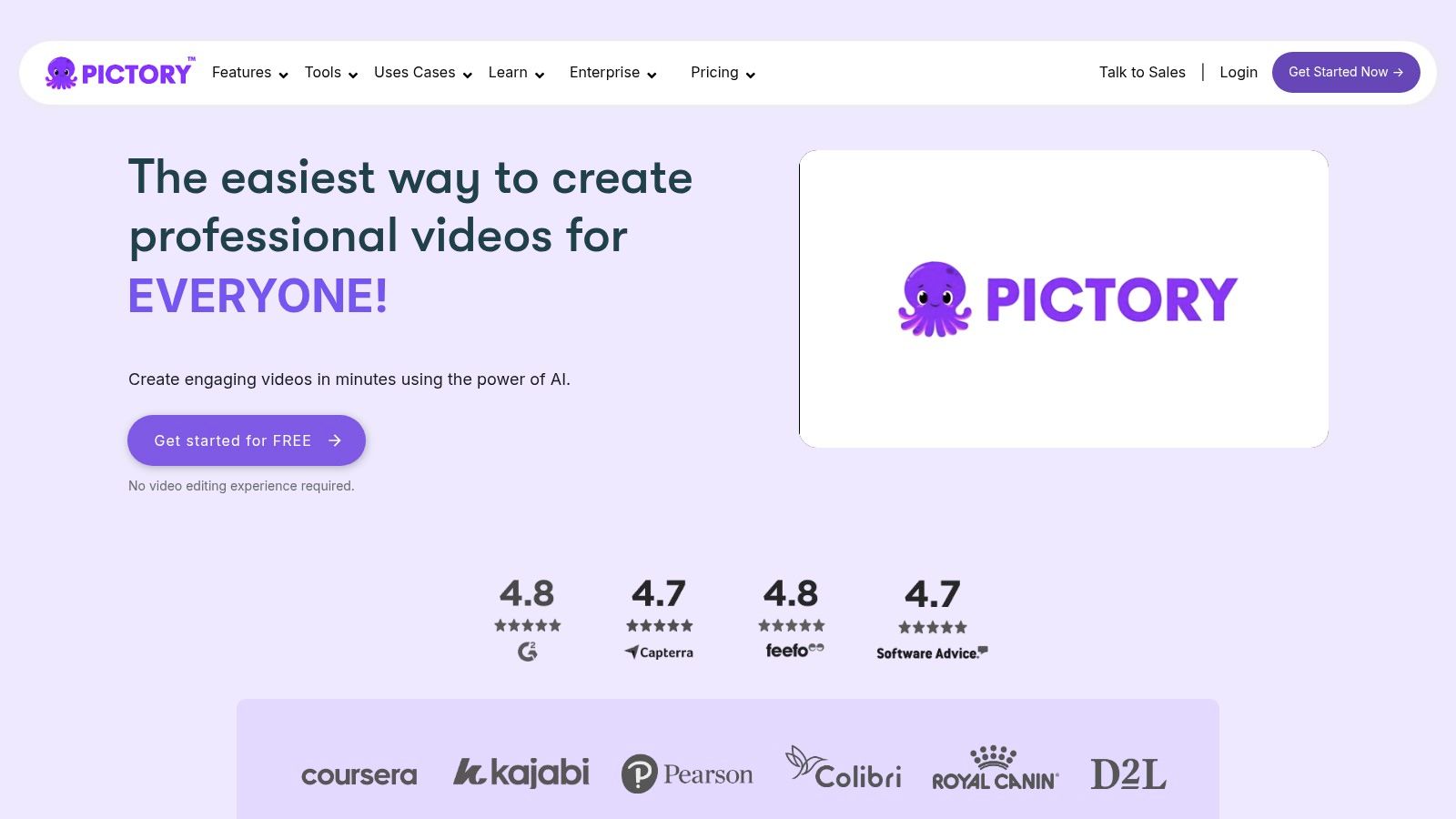
The platform’s main strength is its “Article to Video” feature, which automatically analyses your text, summarises key points, and finds relevant stock video clips and images to match the narrative. This automation drastically reduces the time it would take to manually source and edit visuals, making it perfect for marketers looking to increase their content output.
Key Features & Use Cases
Pictory’s interface is exceptionally user-friendly, making it suitable even for those with no video editing experience. Here is how it stands out:
- Ideal Use Cases: Excellent for repurposing blog posts into summary videos, creating social media video ads, and producing quick educational explainers from scripts.
- Automation: Its AI-powered engine handles the heavy lifting of summarisation and visual selection, while also providing automatic captioning to improve accessibility and engagement.
- Content Reach: By converting articles into videos, you can tap into video-first platforms, significantly extending the reach and engagement of your original content.
Pricing and Practical Considerations
Pictory offers a free trial that lets you create up to three video projects, though they will have a watermark. Paid plans start from $19 per month (billed annually) for the Standard tier, which removes the watermark and provides more features. While the AI does a commendable job of selecting visuals, the customisation options for transitions and animations are somewhat limited compared to more advanced video editors.
Practical Tip: Always review the AI-selected visuals. While the suggestions are often good, swapping a few clips for more contextually appropriate ones from its vast stock library can elevate the final video’s quality and storytelling impact. For a blog post about remote work, the AI might choose generic office shots; you can manually replace them with clips of people working from home or in cafes to better match the theme.
Website: https://pictory.ai/
10. Fliki
Fliki is a powerful and accessible AI platform that excels at transforming text into both audio and video content. It simplifies the creation process dramatically, making it a go-to tool for social media managers, podcasters, and YouTube creators who need to produce engaging content quickly. I’ve found its text-to-video feature particularly effective for creating short, punchy promotional clips and explainer videos from blog posts, saving hours of manual editing work.
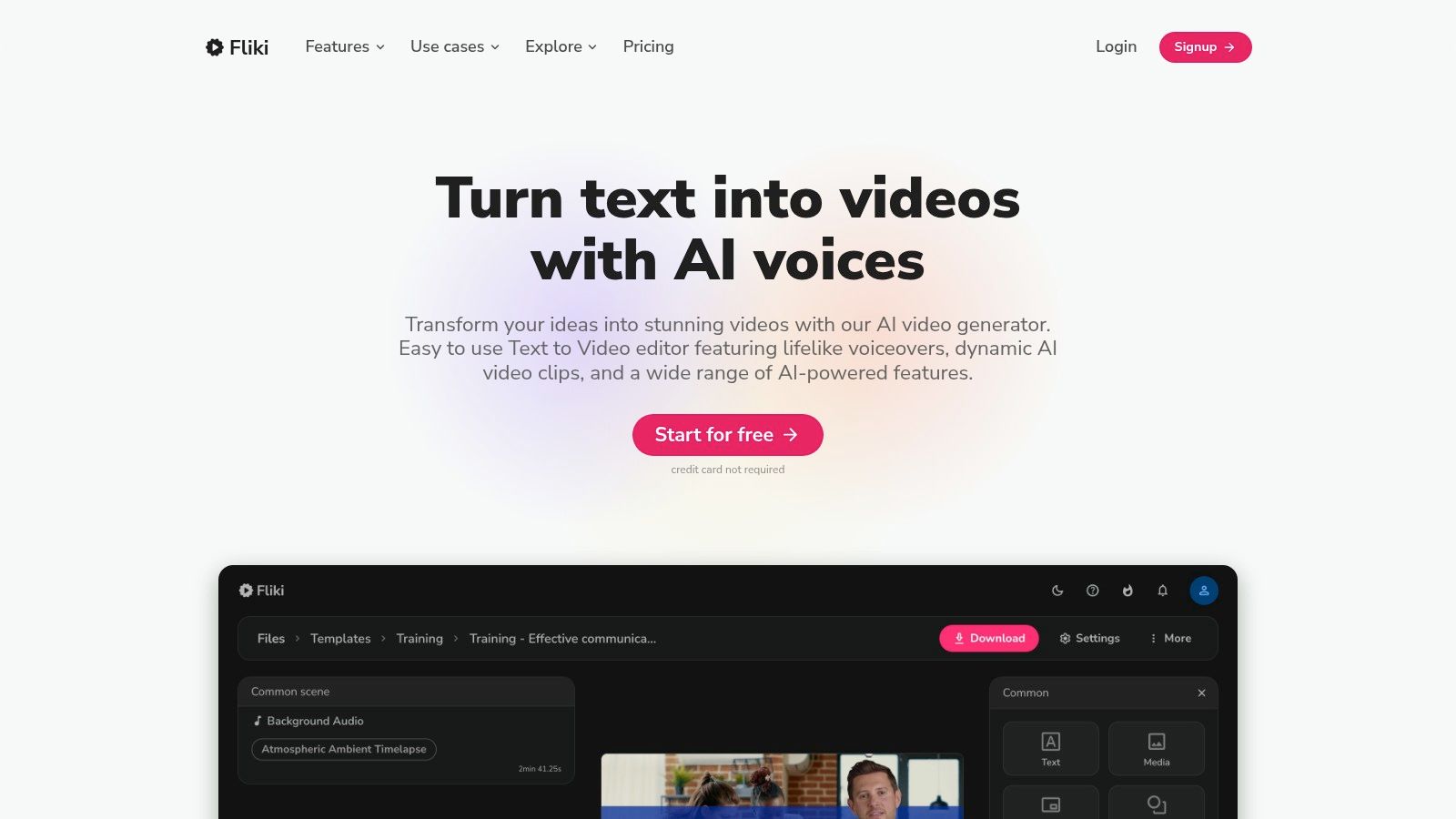
The platform’s main strength lies in its speed and simplicity. You can paste a script or even a link to an article, and Fliki’s AI will summarise the content, find relevant stock media, and pair it with a natural-sounding AI voiceover. This makes it one of the most efficient AI tools for content creation when you need to repurpose existing content into a new format without a steep learning curve.
Key Features & Use Cases
Fliki’s user-friendly interface makes it straightforward to generate content, even with limited technical skills. Here’s how it stands out:
- Ideal Use Cases: Excellent for creating social media videos (Reels, Shorts, TikToks), converting blog posts to videos, producing podcast episodes, and developing audiobook samples.
- AI Voice Library: It offers a vast library of over 2000 realistic voices in more than 75 languages, allowing for precise localisation and brand voice consistency.
- Media Library: Users get access to millions of stock images, video clips, and background music tracks to enrich their visual content without sourcing assets externally.
Pricing and Practical Considerations
Fliki offers a free plan that includes 5 minutes of content generation per month, which is great for testing the platform. Paid plans start with the Standard tier at $28 per month (billed annually), providing more minutes and access to a wider range of AI voices. The Premium plan unlocks higher-quality voices and more advanced features. While Fliki is incredibly fast, its editing capabilities are not as advanced as dedicated video editors, so complex customisations may be limited.
Practical Tip: Use the “Auto-pick media” feature to get a quick first draft. Then, manually swap out any clips that don’t quite fit your narrative. For instance, if you are making a video about sustainable fashion, you can replace generic fashion show clips with footage of organic cotton fields or recycled materials to strengthen the message. This combines AI speed with your creative oversight for the best result.
Website: https://fliki.ai/
11. Colossyan
Colossyan is a specialised AI video generator that excels in creating training and educational videos. It stands out among AI tools for content creation by integrating interactive elements directly into the video, turning passive viewing into an active learning experience. I’ve found it particularly effective for producing workplace compliance modules and customer onboarding tutorials, as its focus is less on marketing flair and more on clear, effective knowledge transfer.
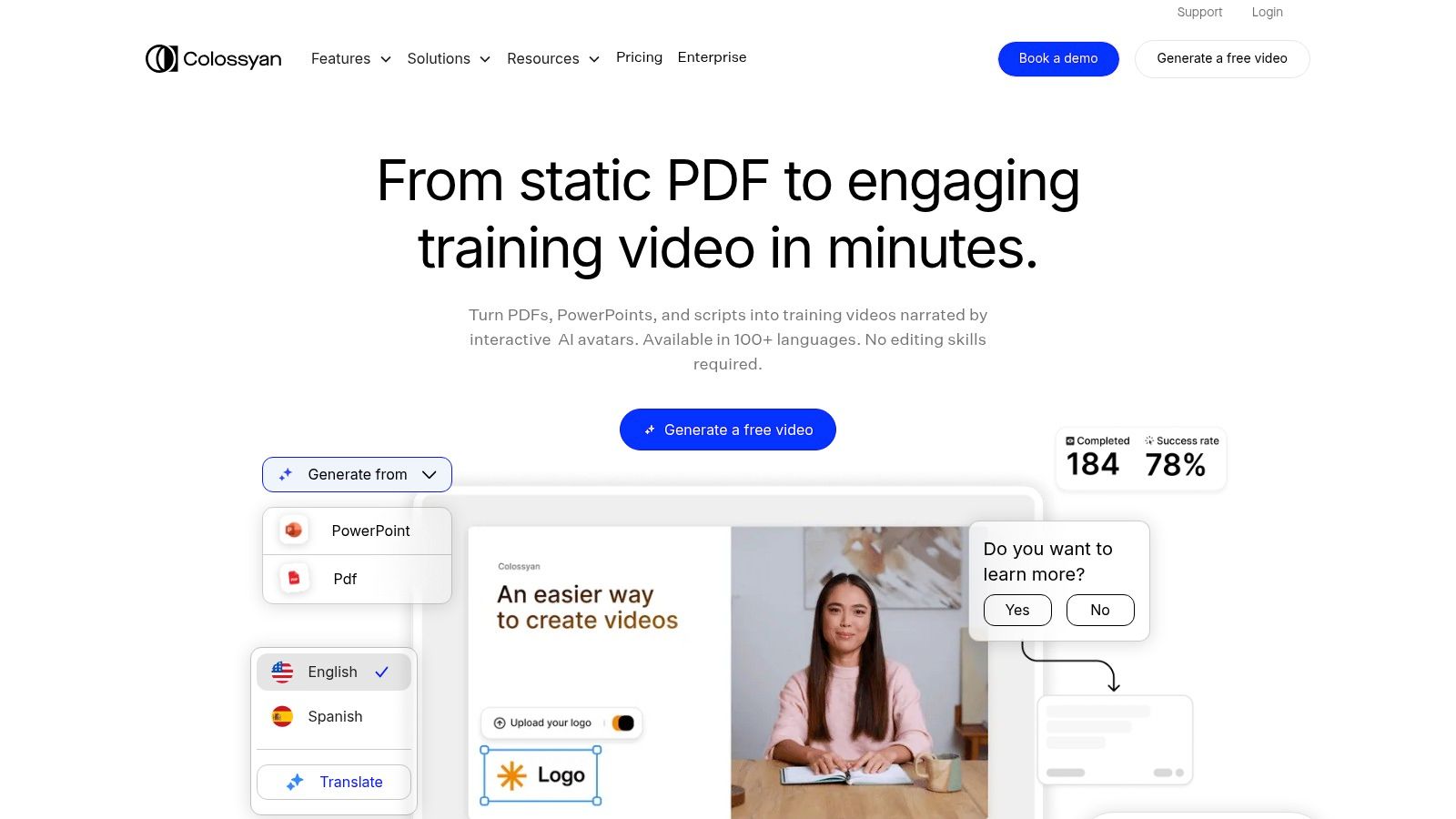
The platform’s strength lies in its ability to combine AI-generated presenters with customisable scenes and interactive features like in-video quizzes. You can type or paste your script, select an AI actor, and then add multiple-choice questions at key points. This transforms standard training content into an engaging and measurable tool for corporate L&D (Learning and Development) departments.
Key Features & Use Cases
Colossyan’s interface is clean and user-friendly, guiding you through the creation process from script to final video. Here’s a breakdown of its strengths:
- Ideal Use Cases: Perfect for corporate training, employee onboarding, educational explainers, and any scenario where learner comprehension needs to be tested.
- Interactivity: The built-in quiz feature is a significant differentiator, allowing you to assess understanding without needing a separate learning management system (LMS).
- Language Support: With support for over 70 languages, you can localise training materials for global teams efficiently, ensuring consistent messaging across different regions.
Pricing and Practical Considerations
Colossyan offers a subscription-based model. A Starter plan is available from £28 per month, which includes 10 minutes of video generation. Higher-tier Enterprise plans provide more video minutes, team collaboration features, and premium support. While the AI actors have some customisation limits, the platform’s core value is its focus on educational efficacy over cinematic perfection.
Practical Tip: Use the Conversation feature to create dialogue-based scenarios between two different AI actors. This is excellent for simulating customer service interactions or workplace role-playing. For example, you can create a training module where one avatar plays a difficult customer and the other demonstrates the correct response protocol, making the training feel more dynamic and realistic.
Website: https://www.colossyan.com/
12. Freepik
Freepik has long been a go-to resource for stock assets, but its evolution into a platform with integrated AI tools for content creation makes it an indispensable asset for marketers and designers. Based in Spain, it masterfully combines a vast library of high-quality photos, vectors, and videos with user-friendly AI generators. I regularly use it to quickly find a base image or template and then use its AI tools to adapt it for a specific campaign, saving hours of manual design work.
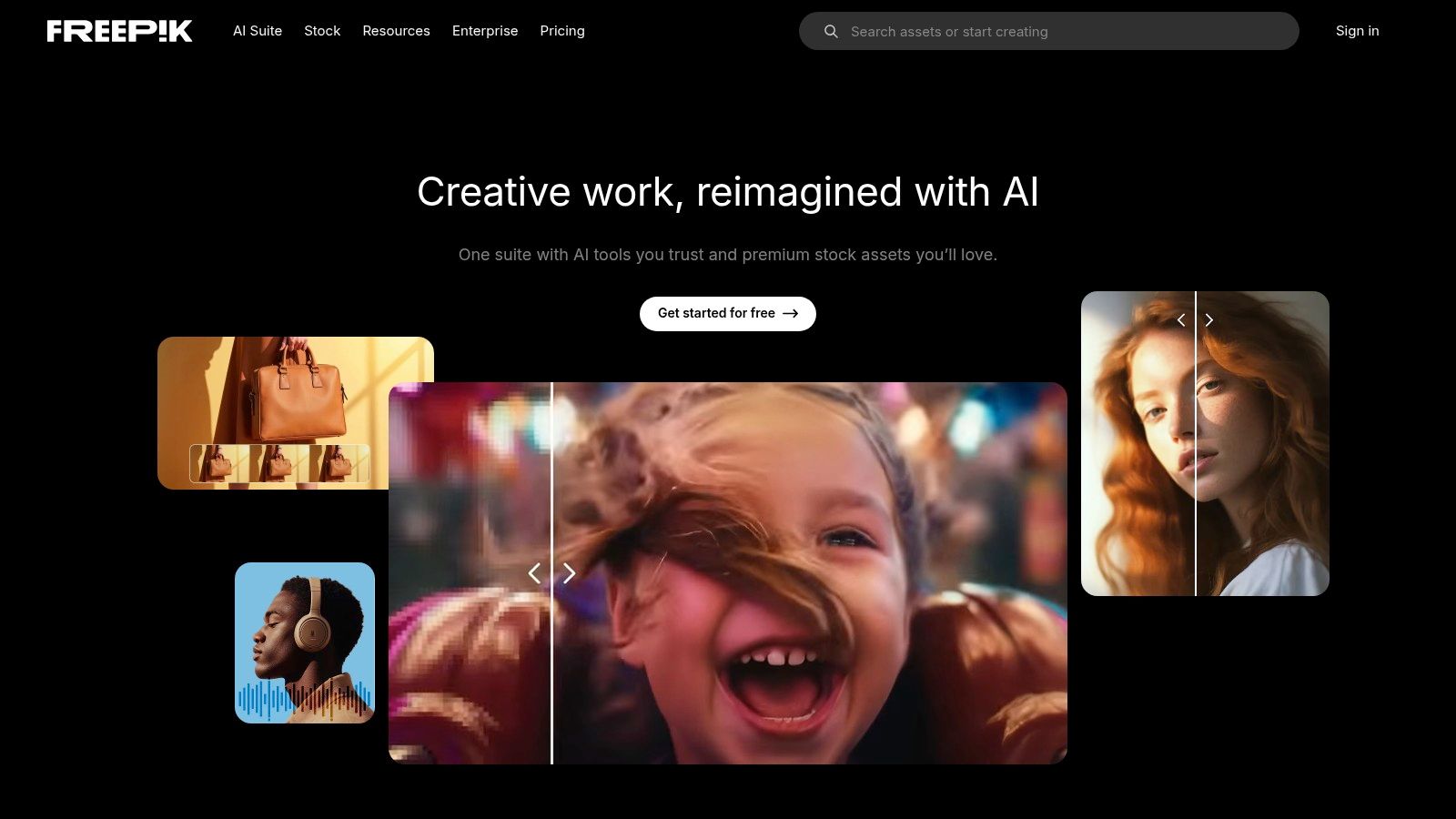
What sets Freepik apart is this seamless blend of a traditional stock library with cutting-edge AI features like an image generator and an AI-powered sketch-to-image tool. This combination provides a complete ecosystem for visual content creation, from initial inspiration to final polished asset, all within one platform.
Key Features & Use Cases
Freepik’s strength lies in its versatility, catering to both quick design needs and more creative AI-driven projects.
- Ideal Use Cases: Excellent for creating social media posts, blog post illustrations, presentation slides, and marketing materials. Its AI can generate unique visuals when stock options don’t quite fit the brief.
- AI Integration: The platform’s AI tools are directly integrated, allowing you to generate new images or enhance existing ones without switching applications.
- Vast Library: The sheer volume of assets is a major advantage, providing endless templates and components that can be customised or used as a starting point for your designs. If you want to dive deeper, you can learn more about how to maximise this resource in this complete guide to Freepik.
Pricing and Practical Considerations
Freepik operates on a freemium model. The free plan provides access to a large selection of resources but often requires attribution. The Premium plan, starting at around €12 per month (billed annually), unlocks all premium assets without the need for attribution and includes enhanced AI capabilities. While the free version is generous, the premium subscription is well worth the investment for any serious content creator.
Practical Tip: Use the AI image generator with specific, descriptive prompts that include style, colour palette, and mood. For example, instead of “dog on a skateboard,” try “photorealistic image of a golden retriever on a skateboard in a 90s retro style, vibrant colours.” This level of detail helps the AI produce a much more specific and usable image.
Website: https://www.freepik.com/
Top 12 AI Content Creation Tools Comparison
| Tool | Core Features | User Experience | Value Proposition | Target Audience | Price & Trial |
|---|---|---|---|---|---|
| Synthesia | Realistic AI avatars, 140+ languages | Easy interface, templates | Low-cost video production | Corporate, Education | Paid, quick video creation |
| Copy.ai | 90+ content templates, multi-language | Simple marketing-focused UI | Fast, diverse copywriting | Businesses, Marketers | Free plan, paid tiers |
| Writesonic | Short & long content, SEO tools | User-friendly dashboard | High-quality marketing content | Marketers, Agencies | Free trial, scalable pricing |
| Rytr | 40+ templates, 35+ languages | Mobile compatible, intuitive | Affordable, beginner-friendly | Small biz, Creators | Free plan, affordable plans |
| Jasper | Brand Voice tech, multi-platform | Marketing-focused, easy to use | Consistent brand tone | Marketers, Agencies | Free trial, higher priced |
| Lumen5 | Text-to-video, templates, media lib | Drag-and-drop, simple | Easy video creation | Content creators, Marketers | Free community, paid plans |
| InVideo | 5,000+ templates, text-to-video | Beginner-friendly | Fast, affordable video making | Social media marketers | Affordable, free version |
| Runway | Text-to-video, automated editing | Intuitive interface | Streamlined video production | Video producers, Creators | Free trial, paid |
| Pictory | Blog-to-video, auto-captioning | Easy, minimal learning curve | Boosts content engagement | Content marketers | Free trial, paid plans |
| Fliki | Text-to-speech/video, multi-language | User-friendly | Cost-effective content creation | Social video creators | Paid, user-friendly |
| Colossyan | AI presenters, quizzes, 70+ languages | Simple, engaging | Fast training video creation | Corporate, Education | Paid |
| Freepik | AI design tools, stock content | Customizable templates | Extensive resource library | Designers, Creators | Freemium, paid subscriptions |
Choosing the Right AI Tool for Your Content Workflow
Navigating the expansive landscape of AI tools for content creation can feel overwhelming, but the journey from exploration to implementation is a game-changer for any modern digital strategy. Throughout this guide, I have detailed a powerful suite of platforms, from AI writers like Jasper and Writesonic that can conquer the blank page, to video generators like Synthesia and Fliki that bring ideas to life without a single camera. The core takeaway is clear: these tools are not here to replace human ingenuity but to amplify it, acting as a tireless co-pilot in your creative process.
The true power of AI in content creation isn’t just about speed; it’s about strategic advantage. It’s about being able to A/B test five different ad copy variations from Copy.ai in the time it used to take to write one. It’s about transforming a single blog post into a compelling video with Pictory, a series of social media clips with InVideo, and a set of professional graphics from Freepik, all within a single afternoon. This level of content velocity and repurposing was once the exclusive domain of large agencies with huge teams. Now, it’s accessible to everyone.
How to Select Your First AI Tool
The most common mistake I see is trying to adopt too many tools at once. This leads to subscription fatigue and a fragmented workflow. Instead, my advice is to perform a simple audit of your current content creation process.
Identify your single biggest bottleneck or most time-consuming task.
- Is it initial research and drafting? A tool like Writesonic or Rytr, with its strong focus on structured outputs and affordability, could be your ideal starting point.
- Are you struggling to create engaging video content? If you need polished, professional-looking videos with AI avatars, Synthesia is a market leader. For quickly turning articles into shareable videos, Lumen5 or Pictory would be a more direct solution.
- Do you need to scale visual asset creation? Instead of spending hours on complex software, using a tool like Freepik’s AI generator can produce unique images and icons on demand.
Once you have identified your primary need, use the free trials offered by most of these platforms. This is a crucial, no-risk step. Dedicate a few hours to testing the tool on a real project. Does the user interface feel intuitive? Does the output quality align with your brand standards? Most importantly, does it genuinely save you time and mental energy?
Implementing AI for Maximum Impact
Successfully integrating these AI tools for content creation requires a mindset shift. Think of them less as a “magic button” and more as an intelligent assistant that requires clear direction. Remember that AI-generated content is a first draft, not a final product. The best results always come from a human-AI collaboration, where the AI handles the heavy lifting of ideation and initial creation, and you provide the critical refinement, fact-checking, and unique brand voice.
For instance, after using Jasper to generate a blog post outline, I spend my time deepening the analysis, adding personal anecdotes, and ensuring the SEO elements are perfectly aligned with my strategy. The AI saves me hours of foundational work, freeing me up to focus on high-value tasks that only a human expert can perform. This collaborative approach is the key to unlocking an efficient, scalable, and highly effective content engine that drives real business results. The future isn’t about human versus machine; it’s about humans with machines, creating better content, faster than ever before.
Struggling to build a content strategy that integrates the right AI tools and drives measurable SEO growth? As an SEO professional, I help businesses like yours harness this technology to create efficient, high-ranking content workflows. Let’s connect at Mersudin Forbes Digital to build a smarter content strategy for your brand.