7 Real SEO Audit Examples To Learn From in 2025

Ever wondered what a truly effective SEO audit looks like behind the scenes? It’s far more than just a list of errors; it’s a strategic roadmap for growth. In my experience advising other agencies and managing large-scale e-commerce and site migration projects, I’ve seen firsthand how a meticulous audit can transform a website’s performance.
The problem is, many guides offer theoretical advice without showing you the ‘how’. This article changes that by providing concrete SEO audit examples. I’m going to walk you through seven distinct examples, not just from the tools that generate them but also the frameworks used to present them. I will analyse the outputs from industry-standard tools like Semrush and Ahrefs, look at specialist UK-based crawlers like Screaming Frog and Sitebulb, and even examine templates for presenting your findings.
Each example includes screenshots, direct links, and a strategic breakdown of its key features. By the end, you will have practical, replicable insights to conduct and understand your own high-impact SEO audits, turning data into a clear plan of action.
1. Semrush – Site Audit
For those seeking robust SEO audit examples, Semrush’s Site Audit tool provides one of the most structured and comprehensive starting points in the industry. It’s not just a tool; it’s a blueprint for what a thorough technical and on-page audit should look like, making it an excellent resource for learning and execution.
When I run an audit with this tool, it methodically crawls a website and organises its findings into a clear, prioritised dashboard. This layout is a perfect example of how to structure an audit report for clients or internal teams. It categorises issues into Errors (most critical), Warnings (moderate priority), and Notices (minor suggestions), which is a best-practice approach I often replicate in my own manual reports.
Key Features and Strategic Application
The platform excels by checking over 140 known SEO factors, from crawlability issues like broken internal links and incorrect redirects to on-page elements such as missing meta descriptions or duplicate content. This extensive checklist serves as an invaluable reference. For instance, its “Thematic Reports” allow you to drill down into specific areas like site performance, internal linking, or Core Web Vitals, providing focused data to build a strategic action plan around.
Strategic Takeaway: Use the Semrush Site Audit structure as a template for your own reports. The way it prioritises issues from ‘Errors’ to ‘Warnings’ helps stakeholders understand what needs immediate attention versus what can be addressed later. This prioritisation framework is a key element of an effective SEO audit.
Pros and Cons
| Pros | Cons |
|---|---|
| Provides a clear, client-ready structure perfect as a learning example. | Page crawl limits on lower-tier plans can be restrictive for large sites. |
| Scalable for small businesses up to large enterprise websites. | Full feature access requires a paid subscription. |
| Integrates seamlessly with other Semrush tools for a holistic analysis. | Pricing can be complex depending on add-ons. |
Access to the Site Audit tool is included with Semrush’s paid plans (Pro, Guru, and Business), which start from around £108 per month. Each tier has different limits on the number of pages you can crawl per month.
Website: https://www.semrush.com/features/site-audit/
2. Ahrefs – Site Audit
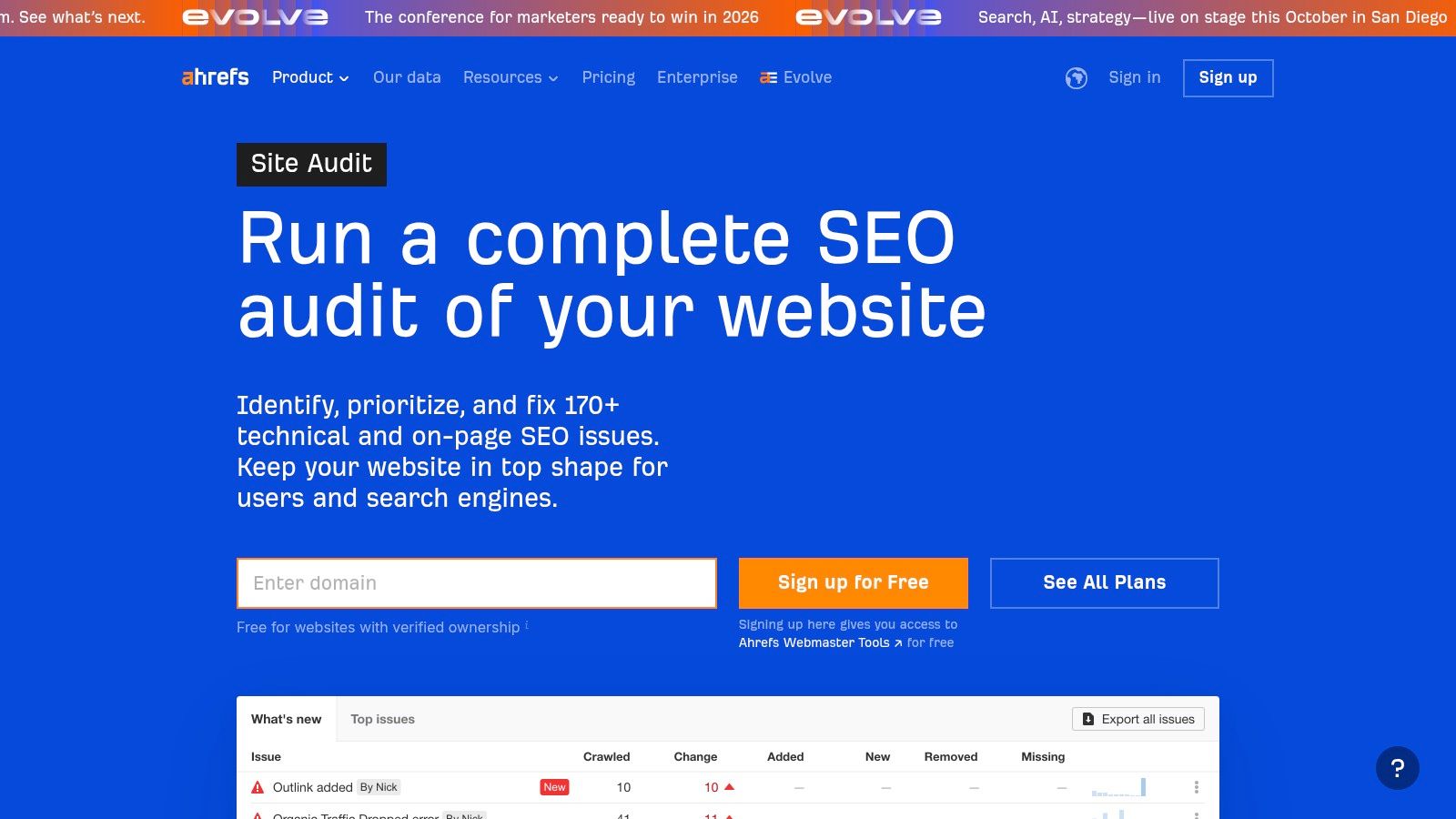
Alongside Semrush, Ahrefs’ Site Audit is another premier tool that offers fantastic SEO audit examples for both beginners and seasoned professionals. Its clean, visual interface provides a powerful, data-driven overview of a website’s technical health, making complex information easily digestible.
When I initiate a crawl with Ahrefs, it meticulously scans for over 170 pre-defined SEO issues. The results are presented in a comprehensive dashboard that highlights a top-level “Health Score,” giving an immediate sense of the site’s overall condition. This score, combined with the clear categorisation of issues, is an excellent model for presenting audit findings to stakeholders who need a quick, high-level summary before diving into the details.
Key Features and Strategic Application
What makes Ahrefs stand out is its ability to render JavaScript, allowing it to audit modern websites that rely heavily on JS for content. The platform’s “Issues” tab is particularly useful, as it not only lists problems but also provides detailed explanations and actionable advice on how to fix them, which is invaluable for learning. The “Structure Explorer” also gives a visual representation of a site’s depth and internal linking, helping to identify orphaned pages or inefficient link distribution. This tool is a key part of many SEO automation software stacks due to its robust capabilities.
Strategic Takeaway: Leverage the Ahrefs Data Explorer to create custom filters and reports. For example, you can filter for pages with a low word count that are also indexable and have a 200 OK status code. This allows you to create highly specific, actionable lists, such as a “thin content” report, which is a common deliverable in a content audit.
Pros and Cons
| Pros | Cons |
|---|---|
| The user interface is incredibly intuitive and rich with helpful tooltips. | Credit limits and project caps can be restrictive on lower-tier paid plans. |
| A free starting tier is available via Ahrefs Webmaster Tools. | Advanced features and large-scale crawls require more expensive plans. |
| Strong JavaScript rendering capabilities for modern websites. | The sheer volume of data can sometimes feel overwhelming for new users. |
Ahrefs Site Audit is accessible for free for verified sites through Ahrefs Webmaster Tools, which is a major advantage. For more extensive needs, paid plans start from around £82 per month, with crawl credits and features scaling up with each tier.
Website: https://ahrefs.com/site-audit/
3. Screaming Frog SEO Spider (UK)
For those looking to create deeply technical SEO audit examples, the Screaming Frog SEO Spider is an indispensable desktop-based tool. It’s the industry standard for performing comprehensive technical crawls, giving me the raw data I need to build a granular, evidence-based audit from the ground up. Unlike cloud-based crawlers, it puts the power directly on your machine, offering unparalleled control over the crawl configuration.
When I conduct a site crawl, Screaming Frog meticulously gathers data on everything from response codes and redirect chains to page titles and meta descriptions. Its real power lies in the ability to export this data, allowing me to create completely bespoke audit templates in spreadsheets. This process is a perfect example of how to move from automated data collection to manual, strategic analysis, which is the cornerstone of an advanced SEO audit. For an in-depth understanding of the topics this tool covers, you can explore further details about what technical SEO is.
Key Features and Strategic Application
The platform’s strength is its depth. It allows me to check complex technical elements like hreflang implementation, structured data validation, JavaScript rendering, and even perform accessibility audits. The integrations with Google Analytics and Search Console enrich the crawl data, letting me overlay traffic and performance metrics onto technical issues to prioritise fixes effectively.
Strategic Takeaway: Use Screaming Frog’s export feature to create custom pivot tables and charts. By combining crawl data (e.g., pages with thin content) with Google Analytics data (e.g., pages with low engagement), you can build powerful, data-driven arguments for prioritising specific content or technical fixes. This approach transforms raw data into a strategic action plan.
Pros and Cons
| Pros | Cons |
|---|---|
| Provides granular, exportable data for custom, example-heavy audits. | Desktop-based, so performance depends on your local machine’s resources. |
| UK-based company offering local pricing, support, and documentation. | Can have a steep learning curve for users new to technical SEO. |
| One-time licence fee offers great value compared to monthly SaaS tools. | The user interface is more functional than aesthetically pleasing. |
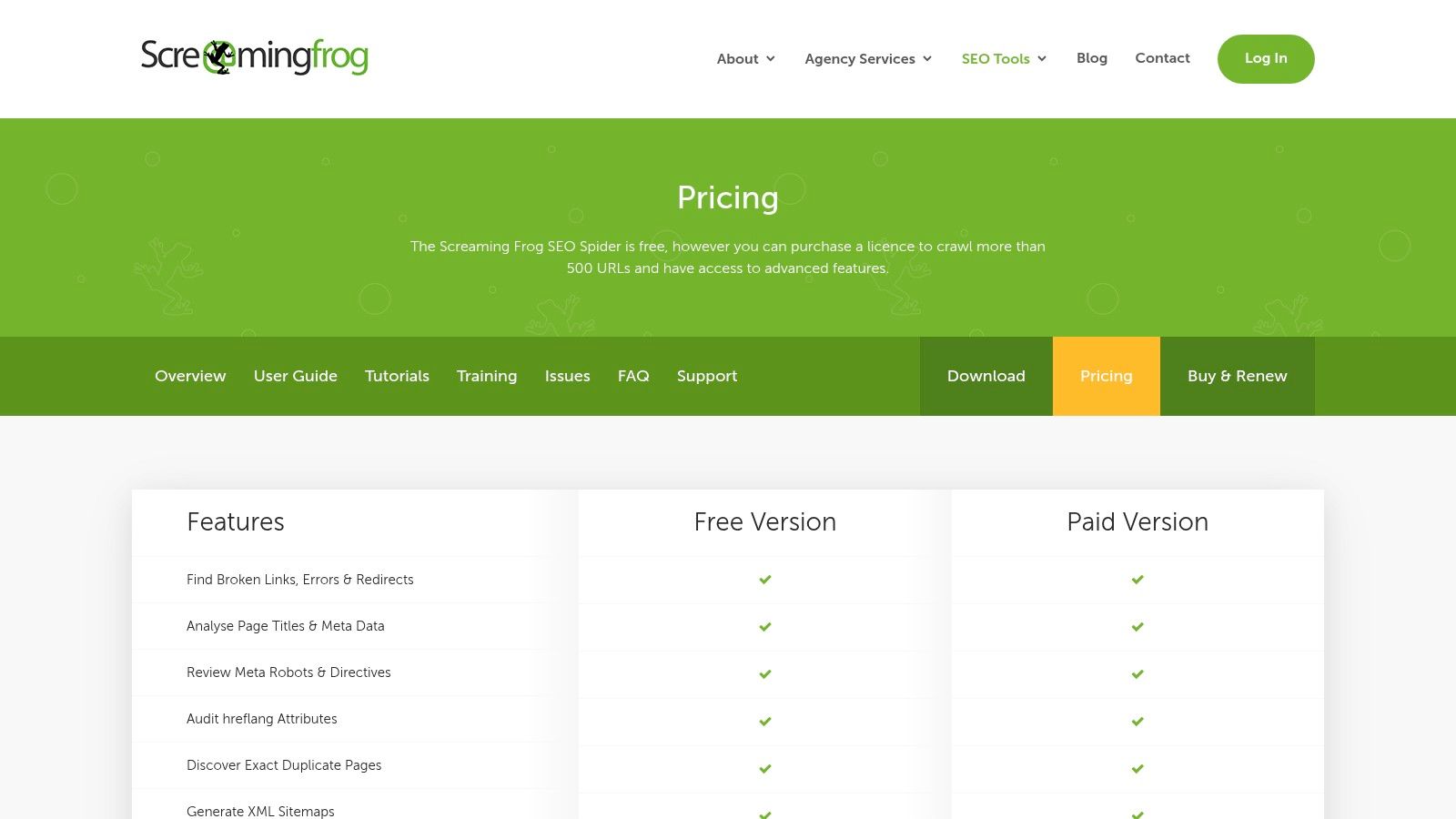
Screaming Frog offers a free version that can crawl up to 500 URLs, which is excellent for small websites or for learning the tool. The paid licence is priced at £199 per year, providing access to all features, unlimited crawls, and integrations.
Website: https://www.screamingfrog.co.uk/seo-spider/
4. Sitebulb (UK)
Sitebulb is a fantastic resource when I need SEO audit examples that are both data-rich and visually compelling. The platform, available as both desktop and cloud software, is designed to present complex technical data in an accessible format. It moves away from endless spreadsheets and instead provides prioritised, actionable “Hints,” which are essentially mini-reports for specific issues.
What makes Sitebulb stand out is its emphasis on clear communication. When I generate an audit, it doesn’t just list problems; it explains why something is a problem and how to fix it, complete with graphs and visualisations. This approach is invaluable for explaining technical SEO concepts to clients or stakeholders who may not be familiar with the jargon, making the reports themselves excellent practical examples.
Key Features and Strategic Application
The platform offers a vast array of checks, often exceeding 300 different SEO factors, categorised by their importance. I particularly value its crawl maps and visualisations for understanding site architecture and internal linking, which are often difficult to convey with numbers alone. The ability to integrate with Google Analytics and Search Console allows me to layer user and performance data onto the technical audit, providing a more holistic picture of a site’s health.
Strategic Takeaway: Leverage Sitebulb’s visual reports and prioritised ‘Hints’ to create client-facing documents that are easy to understand. The visual nature of the audit helps stakeholders grasp complex issues like site architecture or crawl depth instantly, leading to quicker buy-in for technical fixes.
Pros and Cons
| Pros | Cons |
|---|---|
| Delivers highly visual, example-style reports ideal for client presentations. | Cloud plans starting from £195/month can be costly for larger projects. |
| Competitive desktop pricing model and a free 14-day trial. | The desktop version’s performance is reliant on your own computer’s hardware. |
| Prioritised ‘Hints’ provide clear, actionable guidance. | Can be overwhelming for complete beginners due to the sheer volume of data. |
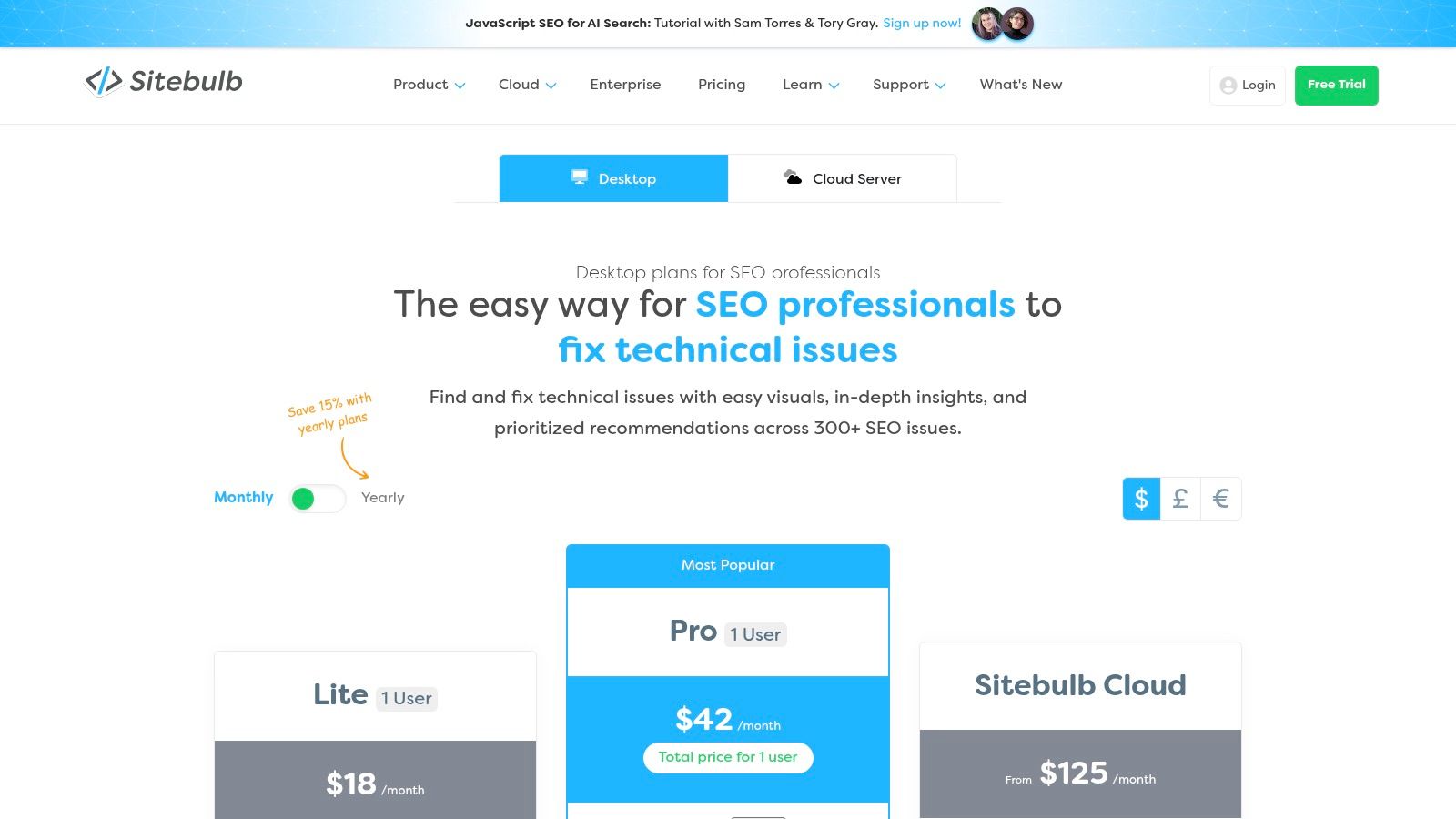
Sitebulb offers a Lite desktop plan for £25 per month, with Pro at £55 per month. Cloud plans are more expensive, tailored for agencies and large-scale audits. The desktop version provides a free 14-day trial, allowing you to test its capabilities thoroughly.
Website: https://sitebulb.com/subscriptions/pricing/index/
5. Lumar (formerly Deepcrawl) (UK)
For those dealing with the complexities of enterprise-level websites, Lumar (formerly Deepcrawl) offers one of the most powerful and scalable seo audit examples available. It’s an enterprise-grade crawler designed to handle massive sites with millions of URLs, providing a level of depth and speed that smaller tools often struggle with. The platform is engineered for technical SEO professionals who need granular data to diagnose intricate website health issues.
When I need to audit a large e-commerce site or a multinational corporation’s web presence, Lumar is my go-to. Its ability to crawl hundreds of pages per second means I can get a complete picture of a site’s technical health in hours, not days. The platform organises its findings into centralised dashboards that allow for benchmarking against previous crawls or competitors, which is invaluable for demonstrating progress and ROI to stakeholders.
Key Features and Strategic Application
Lumar’s core strength lies in its high-speed, customisable crawler and its focus on “website intelligence.” It moves beyond a simple list of errors to help teams understand the impact of technical issues on digital growth. For example, its professional services team can assist in creating bespoke audit solutions, integrating data from multiple sources like analytics and log files to provide a holistic view of site performance and user behaviour. This integrated approach is a prime example of a truly advanced SEO audit.
The platform is built for multi-team collaboration, allowing developers, marketers, and content creators to work from a single source of truth. This prevents silos and ensures that technical fixes are aligned with broader business objectives.
Strategic Takeaway: Leverage Lumar’s segmentation and trend-reporting features for large-scale audits. By creating segments for different parts of a site (e.g., blog, product pages, international subdomains), you can isolate problems and track the impact of your fixes on specific business areas over time.
Pros and Cons
| Pros | Cons |
|---|---|
| Ideal for massive, complex site audits and multi-team collaboration. | Pricing is quote-based and typically high, aimed at enterprise clients. |
| High-speed crawling provides rapid data collection for large websites. | Platform complexity can be overwhelming for smaller sites or solo users. |
| UK presence ensures local support and straightforward procurement. | May require significant training to utilise its full potential. |
Lumar is an enterprise solution, and as such, pricing is available upon request through a custom quote. It is specifically tailored for large organisations that require deep technical analysis and ongoing website health monitoring.
Website: https://www.lumar.io/industry/lumar-for-enterprise-seo/
6. HubSpot – Free SEO Audit Template/Checklist Kit
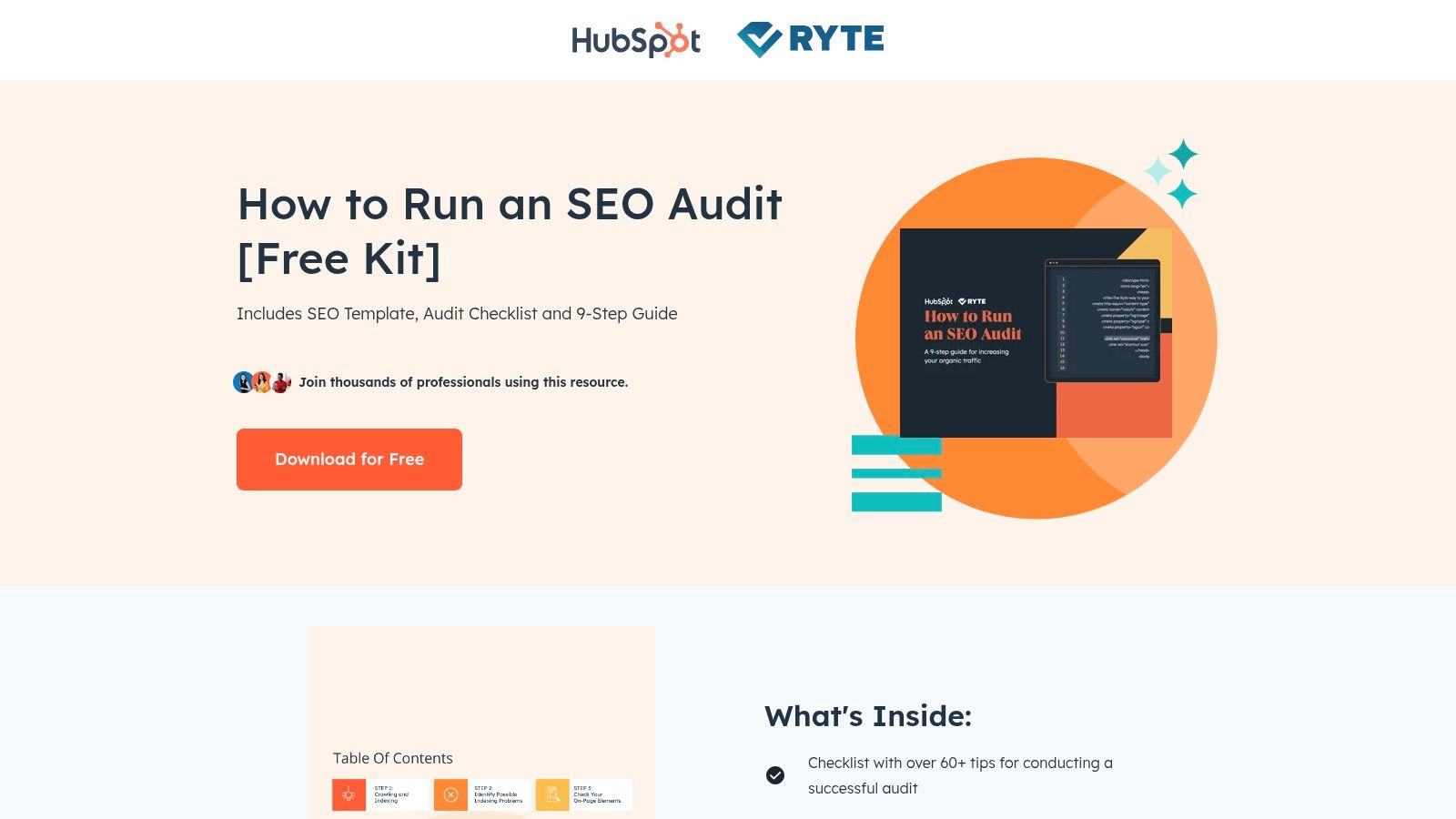
For beginners or marketers seeking a manual framework, HubSpot’s free template kit offers one of the most accessible SEO audit examples available. Rather than an automated tool, this is a downloadable resource pack that provides a structured, step-by-step process. It’s an ideal example of how to build a manual audit from the ground up, teaching fundamental principles along the way.
When I need to train a junior team member or provide a client with a self-serve guide, I often point them to this resource. The kit includes a detailed checklist in Excel and Google Sheets formats, methodically guiding users through technical, on-page, off-page, and content gap analysis. This manual approach forces a deeper understanding of each checkpoint, which automated tools can sometimes obscure.
Key Features and Strategic Application
The core of the kit is a 60+ point checklist that covers all the essential pillars of SEO. It prompts you to check everything from your robots.txt file and sitemap status to page load speed and mobile-friendliness. The accompanying guide provides clear instructions for each step and recommends free tools (like Google Search Console) to find the necessary information, making it a complete, self-contained educational package. The templates are designed to be reusable, serving as a solid foundation for developing a standardised audit process within an organisation.
Strategic Takeaway: Use HubSpot’s template as a starting point to create your own customised audit checklist. While comprehensive, you should adapt it to the specific needs of your website or industry, adding or removing checks as needed. This customisation is a critical step in moving from a generic audit to a truly strategic one.
Pros and Cons
| Pros | Cons |
|---|---|
| Completely free, making it highly accessible for beginners and students. | Requires submitting contact information (lead generation form). |
| Provides a strong educational foundation for manual SEO auditing. | The checklist is generalised and needs tailoring for specific websites. |
| Produced by a highly reputable authority in the marketing space. | It is a manual process and far more time-consuming than automated tools. |
Access to the SEO audit kit is free, but you must provide your name, email, and other contact details through a form on their landing page to receive the download link.
Website: https://offers.hubspot.com/how-to-run-seo-audit
7. SlideModel – Technical SEO Audit PowerPoint template
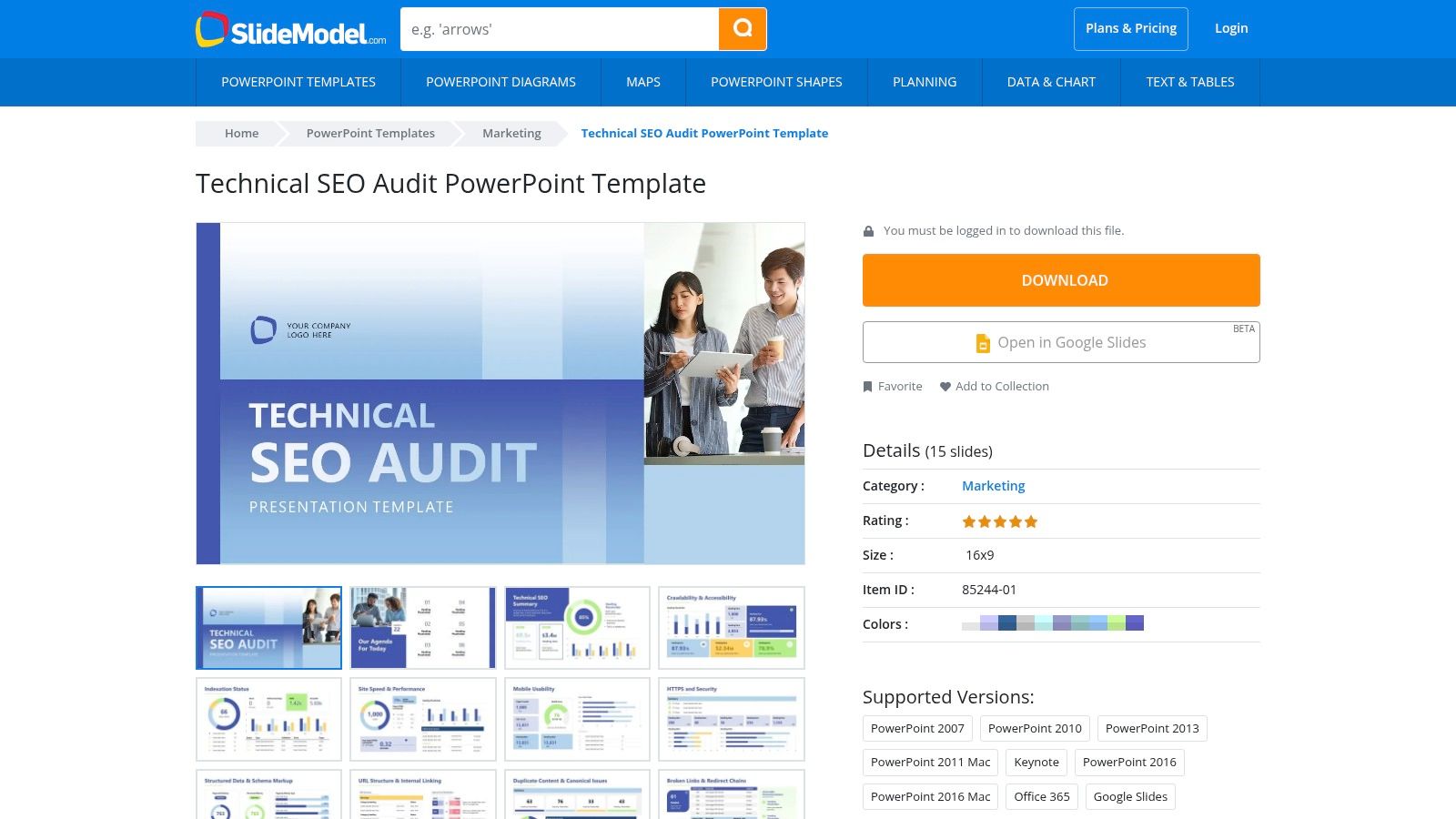
While tools provide the raw data, presenting that data effectively is what turns an audit into action. For those looking for SEO audit examples focused on presentation, SlideModel’s Technical SEO Audit template is an invaluable resource. It’s not a data-gathering tool itself, but rather a professional framework for communicating your findings to clients or stakeholders in a polished, agency-grade format.
I often find that the biggest hurdle after completing a complex audit is translating technical jargon into a clear, compelling narrative. This template provides the structure to do just that, offering pre-designed slides for every key section, from an executive summary and crawlability analysis to Core Web Vitals and structured data. It’s an excellent example of how to organise and visualise audit results for maximum impact.
Key Features and Strategic Application
The template’s strength lies in its comprehensive structure, which guides you through presenting a logical audit flow. It includes dedicated slides for summarising key issues, outlining technical problems like redirect chains and XML sitemap errors, and recommending next steps. This forces a disciplined approach to reporting, ensuring no critical area is overlooked. For instance, having separate, visually distinct slides for indexability versus site architecture helps clients grasp the different facets of technical SEO.
Strategic Takeaway: Use this template not just for client delivery, but as a checklist during your audit process. By thinking about which slide each finding belongs on, you can start building the report’s narrative from the beginning, ensuring your final presentation is cohesive, logical, and focused on actionable solutions.
Pros and Cons
| Pros | Cons |
|---|---|
| Saves significant time on creating client-ready presentation decks. | Requires a paid subscription to download and use the templates. |
| Professional, high-quality design elevates the perceived value of your audit. | You still need to populate it with data from your own SEO tools. |
| Compatible with PowerPoint, Google Slides, and Office 365 for flexibility. | It’s a template, so it may need customisation for highly specific audits. |
Access to this template and SlideModel’s entire library is available through their subscription plans, which start from around £19 for a single day pass or annual plans for more frequent users. You simply export your data from tools like Semrush or Screaming Frog and insert it into the relevant slides.
Website: https://slidemodel.com/templates/technical-seo-audit-powerpoint-template/
SEO Audit Tools and Templates Comparison
| Tool/Resource | Implementation Complexity | Resource Requirements | Expected Outcomes | Ideal Use Cases | Key Advantages |
|---|---|---|---|---|---|
| Semrush – Site Audit | Moderate (web-based, user-friendly) | Cloud-based, tiered crawl limits | Detailed technical and on-page SEO reports | SMBs to enterprises needing scalable audits | Clear, structured audit dashboards; scalable |
| Ahrefs – Site Audit | Moderate | Cloud-based, subscription with free tier | Comprehensive SEO audits with actionable fixes | New users and growing sites needing free entry | Free tier access; strong UI with examples |
| Screaming Frog SEO Spider (UK) | High (desktop software, technical) | Local machine resources | Deep technical audits with exportable data | Technical SEO experts and custom reports | Detailed audits; UK support and documentation |
| Sitebulb (UK) | Moderate to High | Desktop and cloud, hardware-dependent | Visual, prioritized audit reports | Agencies and clients needing clear visuals | Highly visual reports; flexible pricing |
| Lumar (formerly Deepcrawl) (UK) | High (enterprise-level platform) | Cloud-based, quote-based pricing | Ultra-fast, large-scale enterprise audits | Large enterprises and multi-team collaboration | Fast crawling; enterprise collaboration |
| HubSpot – Free SEO Audit Template | Low | Downloadable templates, Excel/Sheets | Beginner-friendly SEO audit framework | Beginners and marketers wanting a checklist | Free, easy to use; reputable source |
| SlideModel – SEO Audit PowerPoint | Low to Moderate (presentation focused) | Paid subscription, presentation tools | Professional audit presentation decks | Consultants/agencies pitching to clients | Saves time; professional, polished templates |
Turning These Examples into Your Own Success Story
Throughout this article, I’ve dissected seven distinct SEO audit examples, moving from the comprehensive dashboards of giants like Semrush and Ahrefs to the granular, technical depths revealed by UK-based tools like Screaming Frog and Sitebulb. Each example underscores a crucial principle: a successful SEO audit is far more than a simple data export. It is a strategic investigation that uncovers issues, prioritises fixes based on their potential impact, and translates complex findings into a clear, actionable roadmap.
From my own experience, the ability to transform raw data into a compelling strategy is what truly drives organic growth. The examples I’ve reviewed, whether it’s the automated reports or the structured presentation templates, all serve this one purpose. They provide the framework to move from observation to implementation.
Key Takeaways from These Audit Examples
The core lesson from analysing these SEO audit examples is that context is everything. A technical audit for a large e-commerce site migration using Lumar will have vastly different priorities than a content-focused audit for a small business using a HubSpot checklist.
Here are the most important insights to carry forward:
- Prioritisation is Paramount: Not all errors are created equal. An effective audit, as shown by the best tools, categorises issues by severity (e.g., errors, warnings, notices). Your first step should always be to tackle the high-impact problems that directly affect crawling, indexing, or user experience.
- Actionability Over Volume: A 100-page report is useless if no one acts on it. The best audits, like the one you can build with a SlideModel template, focus on clear communication. They present findings in a digestible format and provide specific, step-by-step recommendations for developers, content teams, and marketers.
- Select the Right Tool for the Job: Your choice of tool should align with your specific needs and technical comfort level. For instance, Screaming Frog offers unparalleled depth for technical SEO specialists, while Semrush provides a brilliant all-in-one solution for marketers who need a broader view of site health, keywords, and backlinks. Don’t pay for features you won’t use.
Your Next Steps: From Audit to Action
Now it’s time to apply these lessons. Start by defining your objective. Are you trying to recover from a traffic drop, prepare for a site redesign, or simply establish a baseline for a new SEO campaign? Once your goal is clear, select a tool from our list that matches your scope and budget.
Run your initial crawl and begin the analysis, always keeping your objective in mind. Use the structured approaches from these SEO audit examples as your guide. Create a simple action plan, assign ownership for each task, and set realistic deadlines. Remember, an SEO audit is not a one-off task; it’s the beginning of an ongoing process of improvement and optimisation. By building a repeatable workflow, you can turn routine site health checks into a powerful engine for sustained organic success.
Feeling overwhelmed by the data or unsure where to start? At Mersudin Forbes Digital, I specialise in transforming complex audit findings into clear, growth-focused SEO strategies. Visit Mersudin Forbes Digital to see how my expert-led audit services can provide the actionable insights you need to get results.